
Can I Ride Dance AI Video Generator: Put Two Photos in Perfect Duo Sync
Drop in two portraits and watch the AI recreate TikTok's bouncy side-by-side routine: rolling fists, crossed arms, quick turns, and a sunlit European street that never leaves the frame.
STUDIO WORKBENCH
By uploading, you confirm you're 18+, have permission to use this photo (no celebrities), and agree to our Terms of Service and Privacy Policy.
Watch a Real Can I Ride Duo Dance Video Created with Our AI
Watch how creators turn still photos into viral Can I Ride Dance AI videos. Tap any video to play in-place without leaving this page.
What Is Can I Ride Dance AI and How Did the Duo Dance Trend Start?
The trend did not start as an AI effect. 'Can I Ride' by SIDEPIECE and 95 South, released on July 10, 2026, blended house momentum with Miami bass vocal energy. TikTok creators then built a short, repeatable two-person routine around the hook: stand shoulder to shoulder, bounce on the beat, roll and cross the arms, then turn toward the camera so the clip loops cleanly. Because it takes two people and almost no dance training, it became a format friends and couples could copy immediately.
The earliest clearly tracked duo upload came from TikTok creator @life_of_temi (Temi) and Spencer Anderson on October 6, 2026, and later trend trackers credited the pair as the main choreography source. The routine spread quickly: a version from @sierraandlaineydance was reported above 10 million views by October 14. On October 19, @jonnyslife_ posted an AI dog version, and by late October AI video platforms had turned the routine into a photo template. Exact earliest attribution is still debated, but the visual formula is unmistakable.
OnTrend AI's two-photo generator removes the need to film with a partner. Upload one portrait for each side of the duo and the multi-subject pipeline maps both identities into the original choreography, keeps hair, faces, and outfits consistent through the bounce and turns, and syncs the whole performance to the 9-second audio. You receive a ready-to-post 9:16 MP4 without shooting a single scene or opening a video editor.
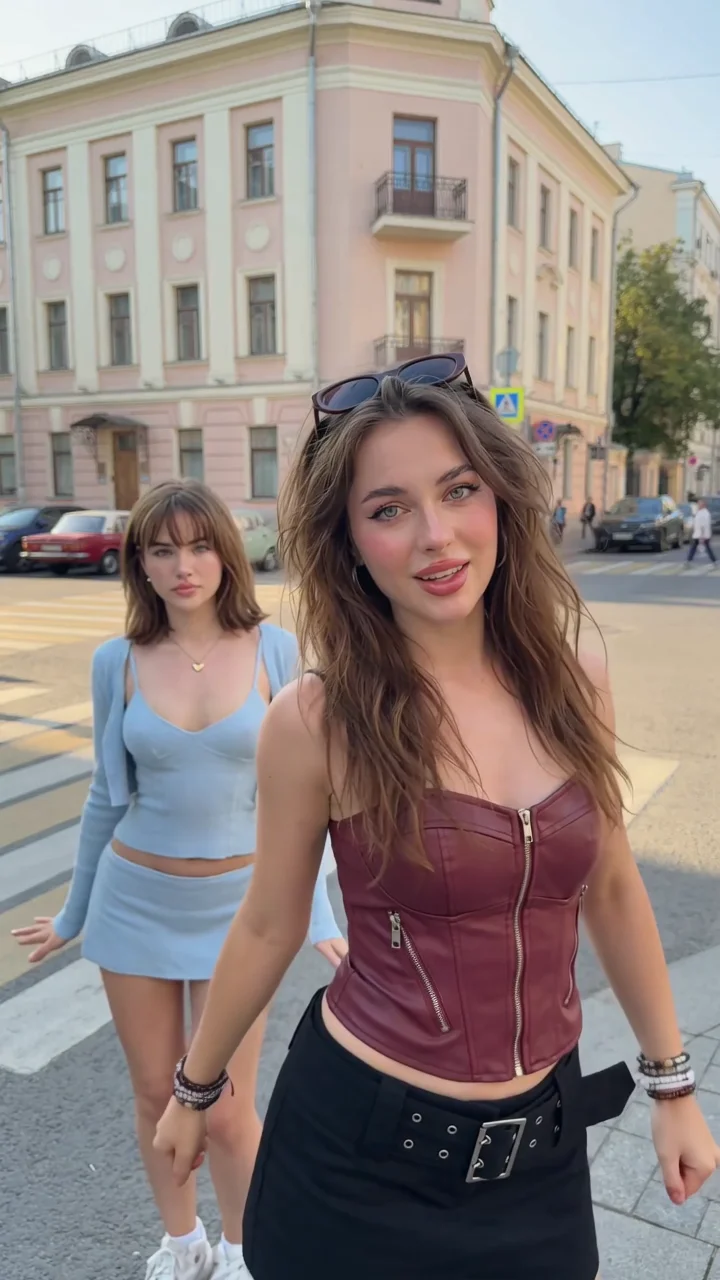
How the AI Keeps Both Dancers Consistent Through Every Move
Our dual-identity pipeline tracks both dancers at once, preserving each face, hairstyle, and outfit through the chest pops, fist rolls, crossed arms, and fast turns while the camera work and background stay locked to the reference.
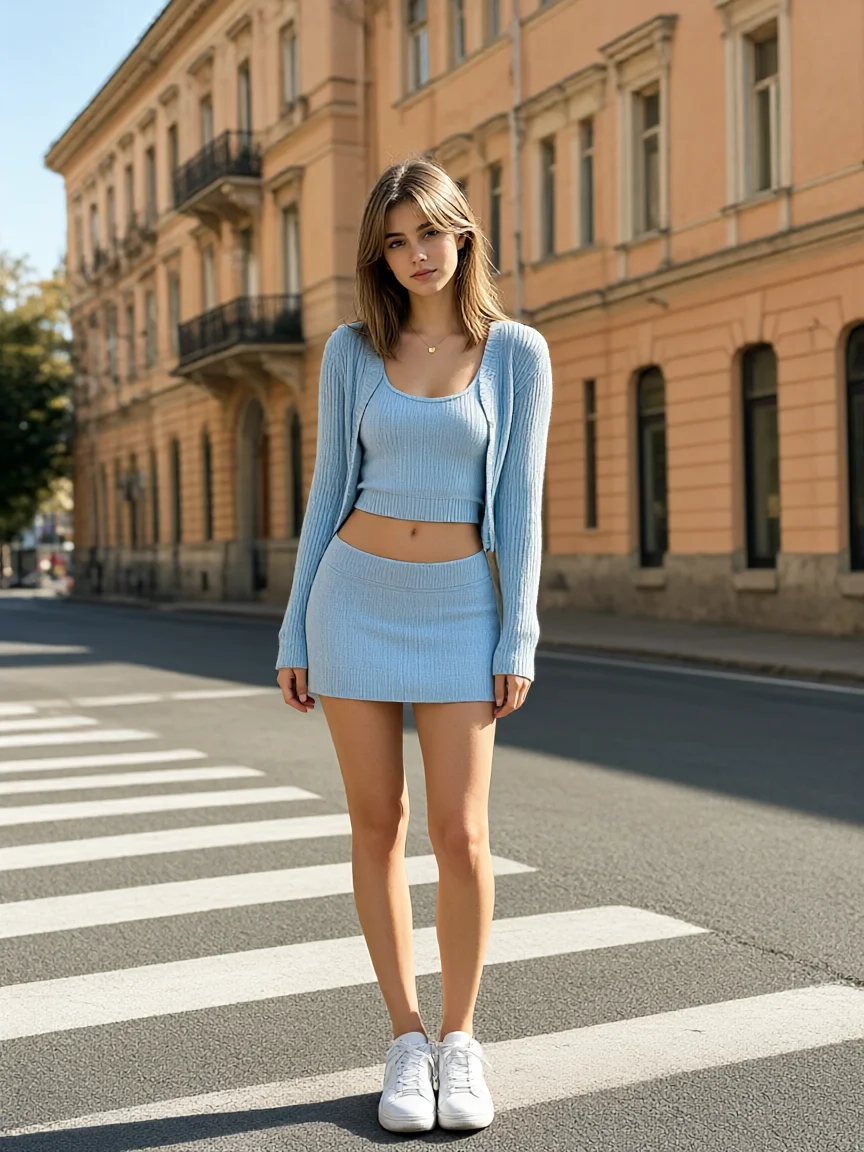
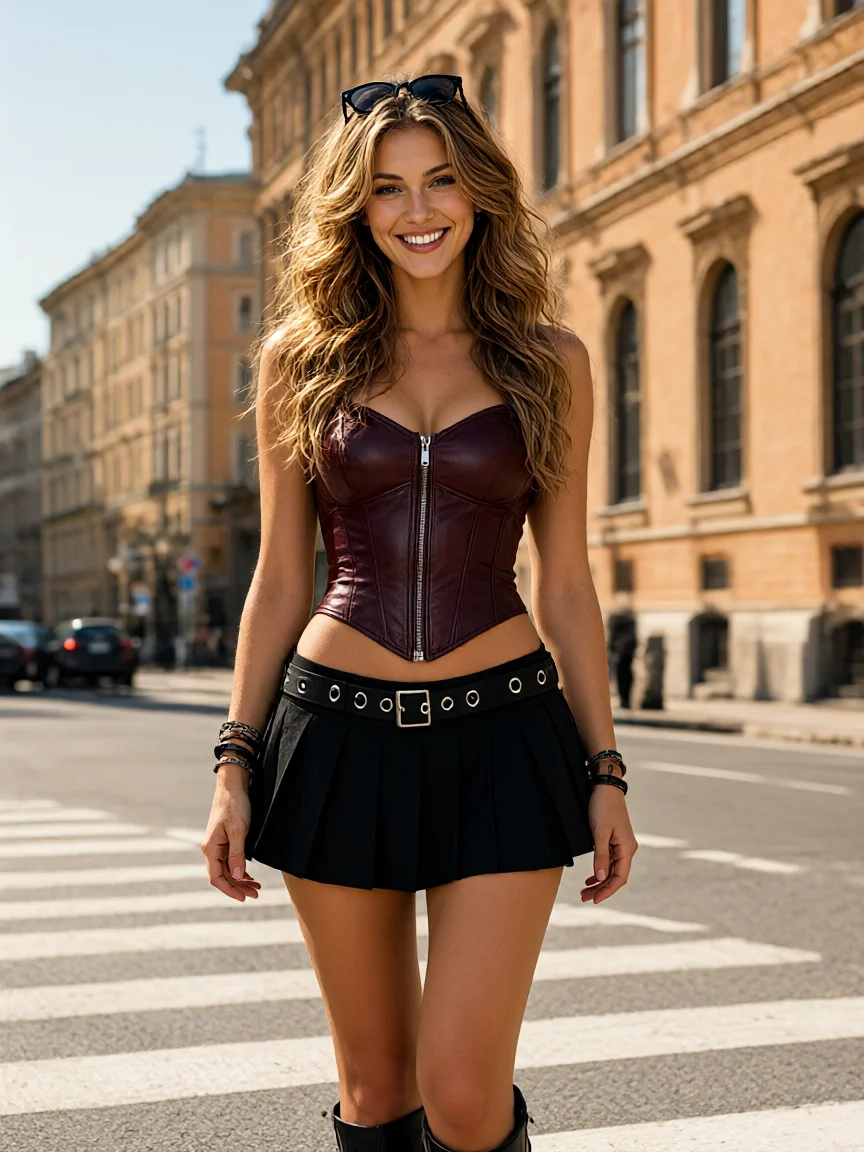
Who Can Star in Your Can I Ride Duo Dance Video?
Any pair can star: best friends, couples, siblings, teammates, or two pets. The routine only needs two subjects standing shoulder to shoulder and hitting the same beat.
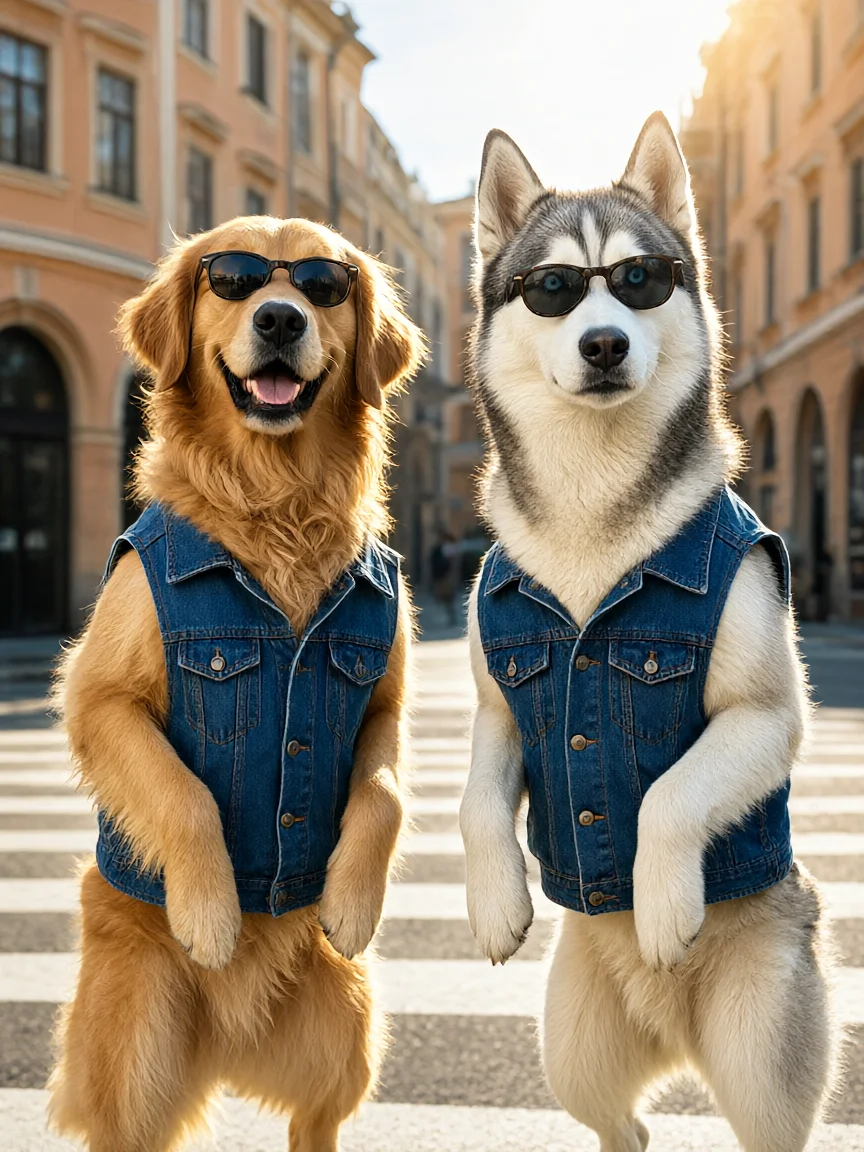
Fluffy Golden & Husky Groove
Unleash infectious fur-baby energy on the city streets. A charming Golden Retriever and a cool Siberian Husky in stylish matching streetwear vests executing a synchronized viral duo hop.
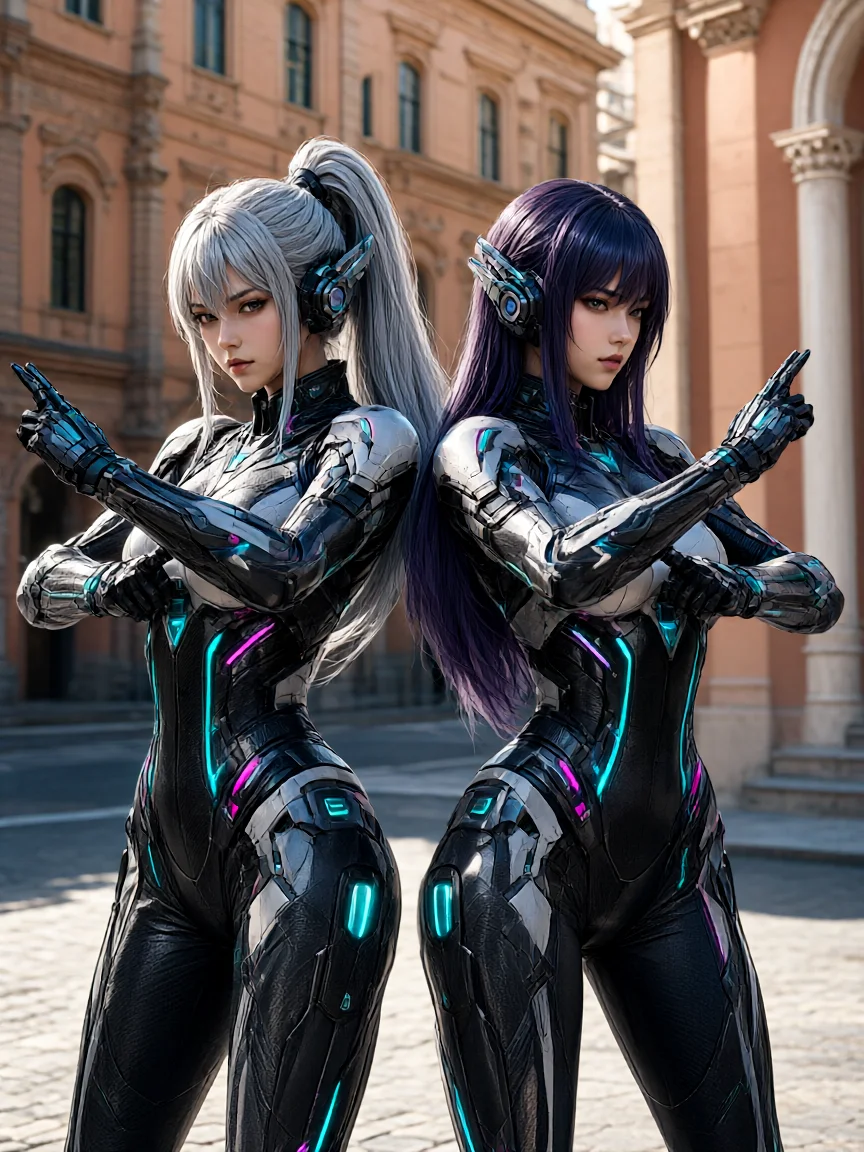
Cyber Mecha Pilots Duo
Drop futuristic cyberpunk intensity into the sunlit urban dance floor. Two sleek anime-style mech combat pilots in illuminated tactical plugsuits nailing the snappy house bass choreography in flawless lockstep.
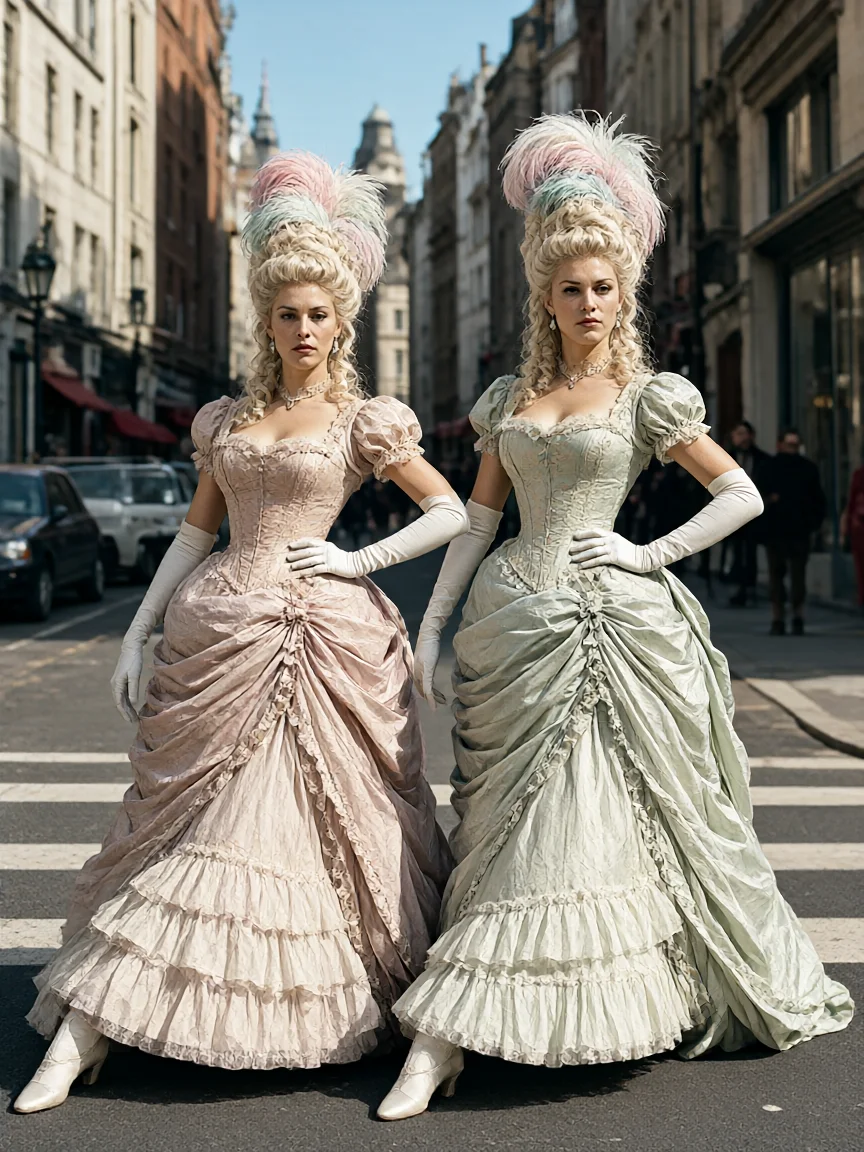
Victorian Noblewomen Pop Sync
Collide 19th-century aristocratic elegance with modern club bass. Two poised Victorian aristocrats in lavish corsets and pastel ruffled ballgowns busting out sharp hip-hop duo moves with deadpan royalty perfection.
What Happens in the 9-Second Can I Ride Duo Dance?
The 9-second clip moves through four beats: the two dancers settle into a side-by-side stance, the first fist rolls and chest pops land, the arms cross and swing through the chorus, and the pair turns back to the camera for a loopable ending.
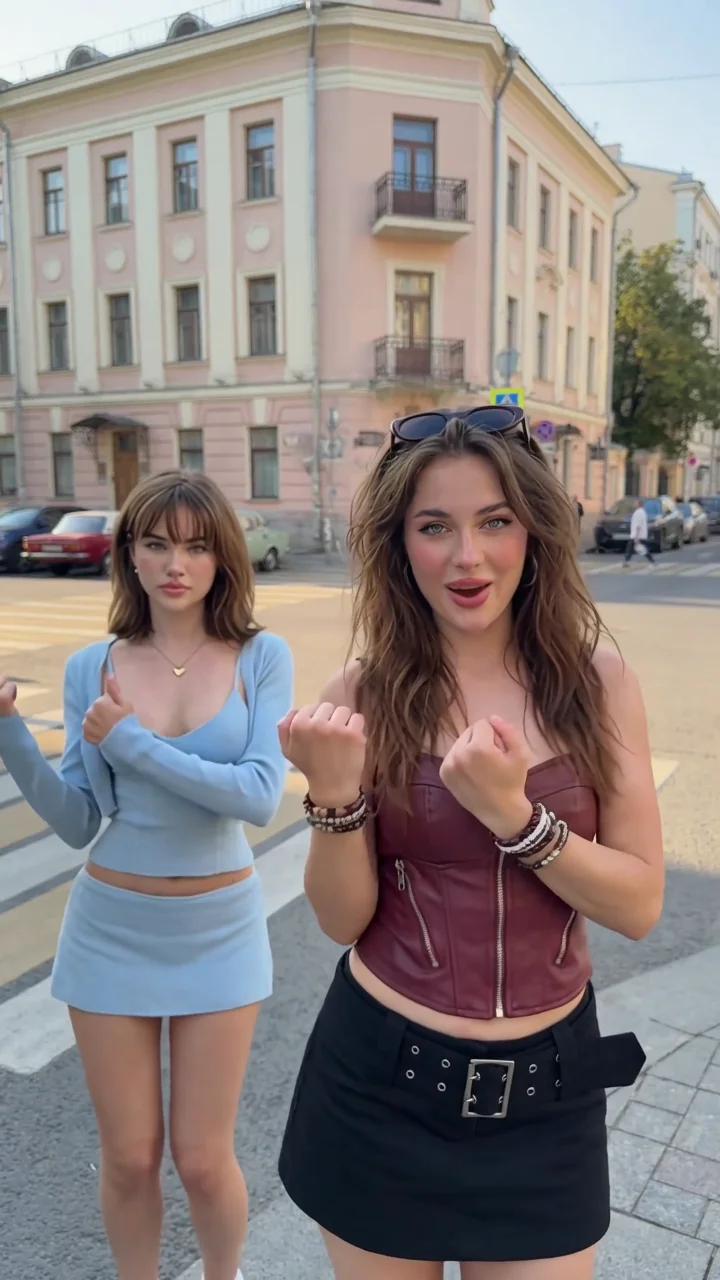
Side by Side on the Sidewalk
The camera opens on a sunlit European street with pale pink facades and iron balconies as the two dancers stand shoulder to shoulder and catch the first bounce of the beat.
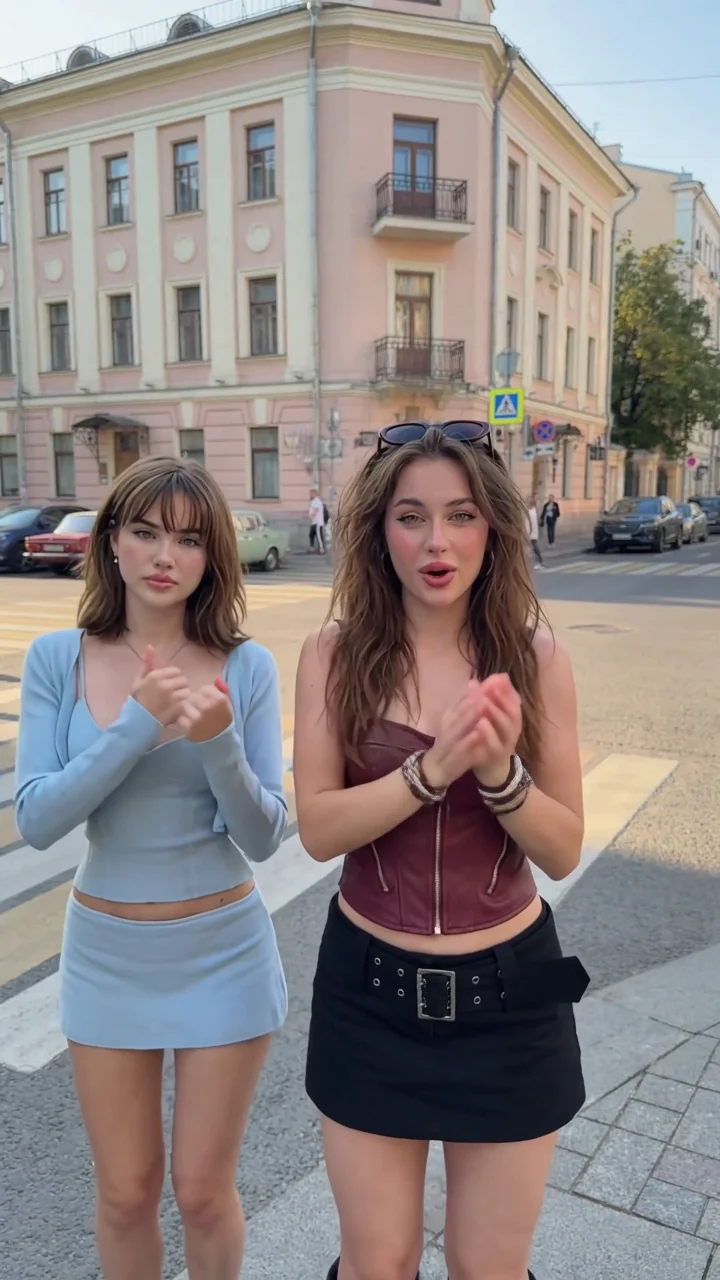
Fist Rolls and Chest Pops
Both dancers roll their fists in front of the body and hit crisp chest pops in unison, the left dancer in a light-blue knit set and the right dancer in a burgundy corset top and black mini skirt.
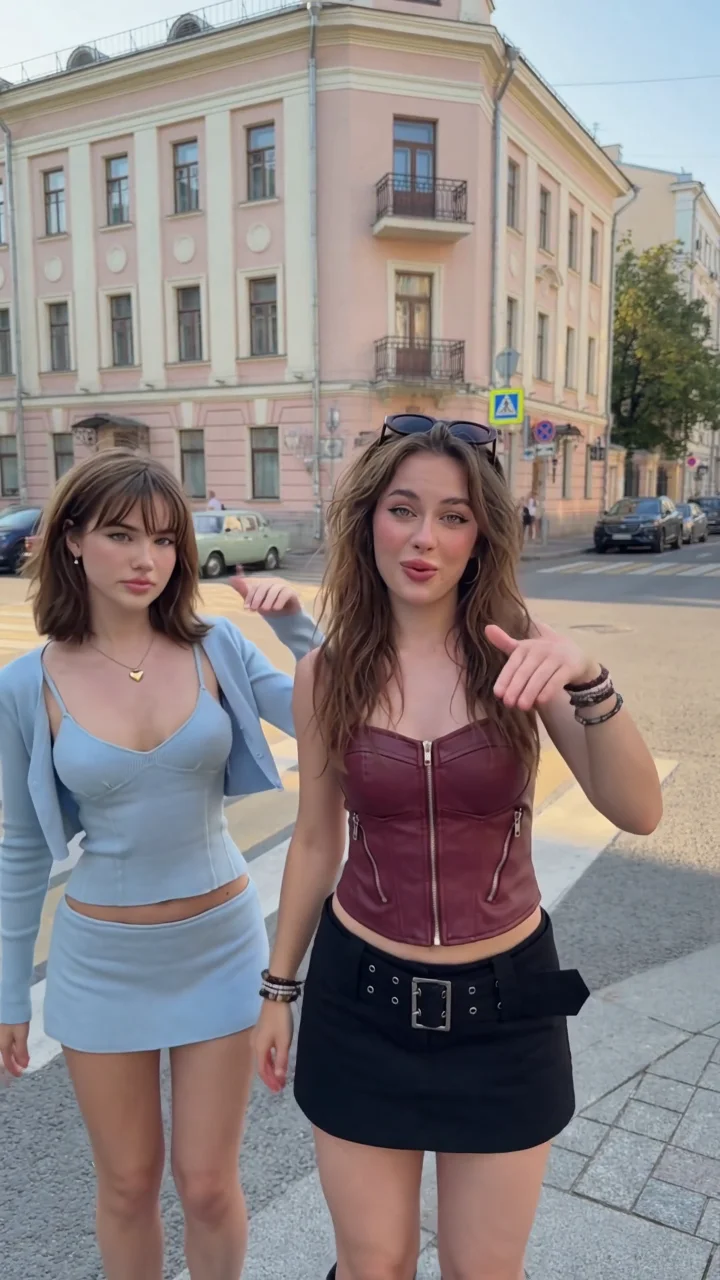
Crossed Arms and Open Swings
The routine opens up as the pair crosses their arms, swings them wide with shoulder movement, and adds quick claps and leg lifts without losing the shared rhythm.
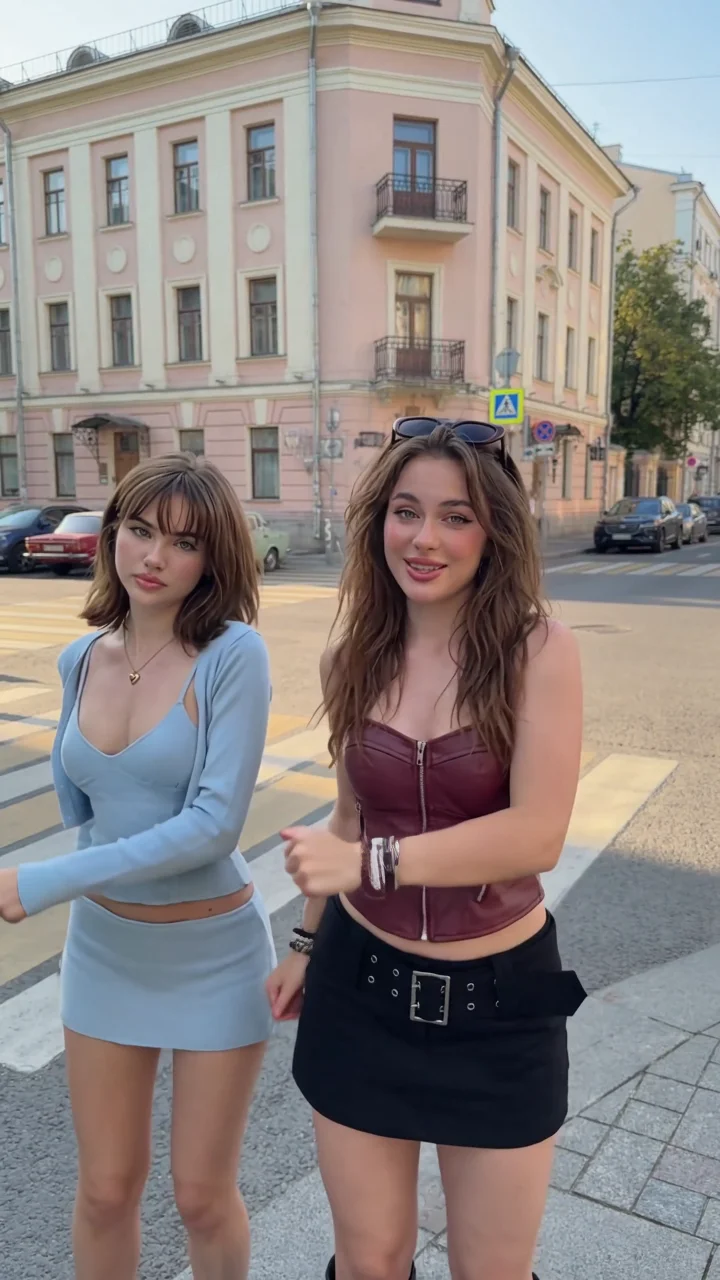
Turn Back and Loop
A fast turn brings both dancers face to the camera for the final bounce, landing on the same beat so the clip loops naturally into the next play.
How to Make a Can I Ride Duo Dance Video in 3 Simple Steps
Upload two portraits, click generate, and download your finished 9:16 vertical MP4 in about two minutes.
Upload Two Portrait Photos
Pick one clear, front-facing photo for each side of the duo: Picture A for the left dancer and Picture B for the right dancer.
Click Generate
Our cloud pipeline animates both identities, reproduces the bounce, fist rolls, arm crosses, and turns, and syncs every move to the 9-second audio.
Download and Share
Preview your 480P MP4, download it watermark-free, and post it straight to TikTok, Instagram Reels, or YouTube Shorts.
Best Photo Practices for a Clean Duo Dance Result
Use two separate, sharp, front-facing portraits so the AI can lock each dancer's identity through the bounce, the arm work, and the final turn.
Recommended Best Practices
Upload a separate solo portrait for each slot instead of cropping two faces out of one group photo.
Choose bright, even lighting where the eyes, nose, and mouth are all clearly visible.
Show the full outfit if you want the clothing silhouette to match the dance reference.
For pet photos, make sure the face, ears, and distinctive markings are in focus.
What to Avoid
Avoid blurry, low-resolution, or heavily compressed photos saved from old chats.
Do not cover faces with oversized sunglasses, masks, or raised hoods.
Avoid extreme side profiles or steep downward angles that hide facial geometry.
Avoid heavy beauty filters that erase natural facial features.
How Much Does a Can I Ride Dance AI Video Cost?
Pay only for what you generate. Credits never expire and failed generations are automatically refunded.
Starter
Makes 1× 480P standard video
Creator
Makes 1× 720P HD (or up to 3× 480P)
Studio
Makes 1× 1080P Ultra (or up to 6× 480P)
Frequently Asked Questions About Can I Ride Dance AI
Everything you need to know about pricing, music sync, video duration, and photo compatibility.
A video generation costs 45 credits.
Packs start at $6.99 for 50 credits, $12.90 for 140 credits, and $24.90 for 280 credits with no recurring subscription fees.
Ready to Make Your Own Can I Ride Dance AI Video?
Upload two portraits now and join the creators turning TikTok's fastest duo routine into their own sync-perfect street clip.
No credit card required to explore • Instant cloud access
Disclaimer: This service is an independent AI generative parody and meme creation tool for transformative entertainment and commentary purposes. It is not affiliated with, endorsed by, or sponsored by any artist, record label, or music publisher. All musical elements and choreography are generated under transformative fair use principles.