
Runaround Sue AI Video Generator: Put Two Photos into a Retro Garage Duo Dance
Upload two portraits and the AI drops both of you into a bare concrete garage, shoulder to shoulder, shuffling, kicking and turning to the beat of Dion's 1961 classic with the original audio already synced.
STUDIO WORKBENCH
By uploading, you confirm you're 18+, have permission to use this photo (no celebrities), and agree to our Terms of Service and Privacy Policy.
Watch Real Runaround Sue AI Videos Created with Our Generator
Watch how creators turn still photos into viral Runaround Sue AI videos. Tap any video to play in-place without leaving this page.
What Is Runaround Sue AI and Where Did the Trend Start?
The soundtrack has been a dance-floor staple for more than sixty years. Dion released 'Runaround Sue' in September 1961, written with Ernie Maresca, and the doo-wop-flavored rock and roll single went to No. 1 on the Billboard Hot 100 that year. Its spoken intro, handclaps and walking bassline make it one of the easiest songs to move to, which is why it keeps resurfacing in dance clips.
The song already had a viral moment long before AI. In March 2013, a video of an 88-year-old grandmother who started dancing the moment 'Runaround Sue' came on went up on YouTube and passed one million views within days; The Daily Beast covered it on March 11 2013. That clip established the song as shorthand for joyful, unselfconscious retro dancing, although it is not the source of the 2026 AI videos.
The AI version is new and still small. Public trend trackers first logged a Runaround Sue AI dance video on November 6 2026, added it to their trend directory on November 8, and by November 10 were still describing it as just starting to spread. TikTok is the likely origin platform, but the earliest creator has not been confirmed, so treat the trend as early rather than proven.
OnTrend AI turns that recipe into a two-photo workflow. Upload portraits for both dancers and the pipeline locks each face, hairstyle and outfit onto its performer, keeps the garage, the camera moves and the timing from the reference clip, and syncs the whole routine to the original audio. You get a 14-second vertical 9:16 MP4 that is ready for TikTok, Instagram Reels or YouTube Shorts without a CapCut project.
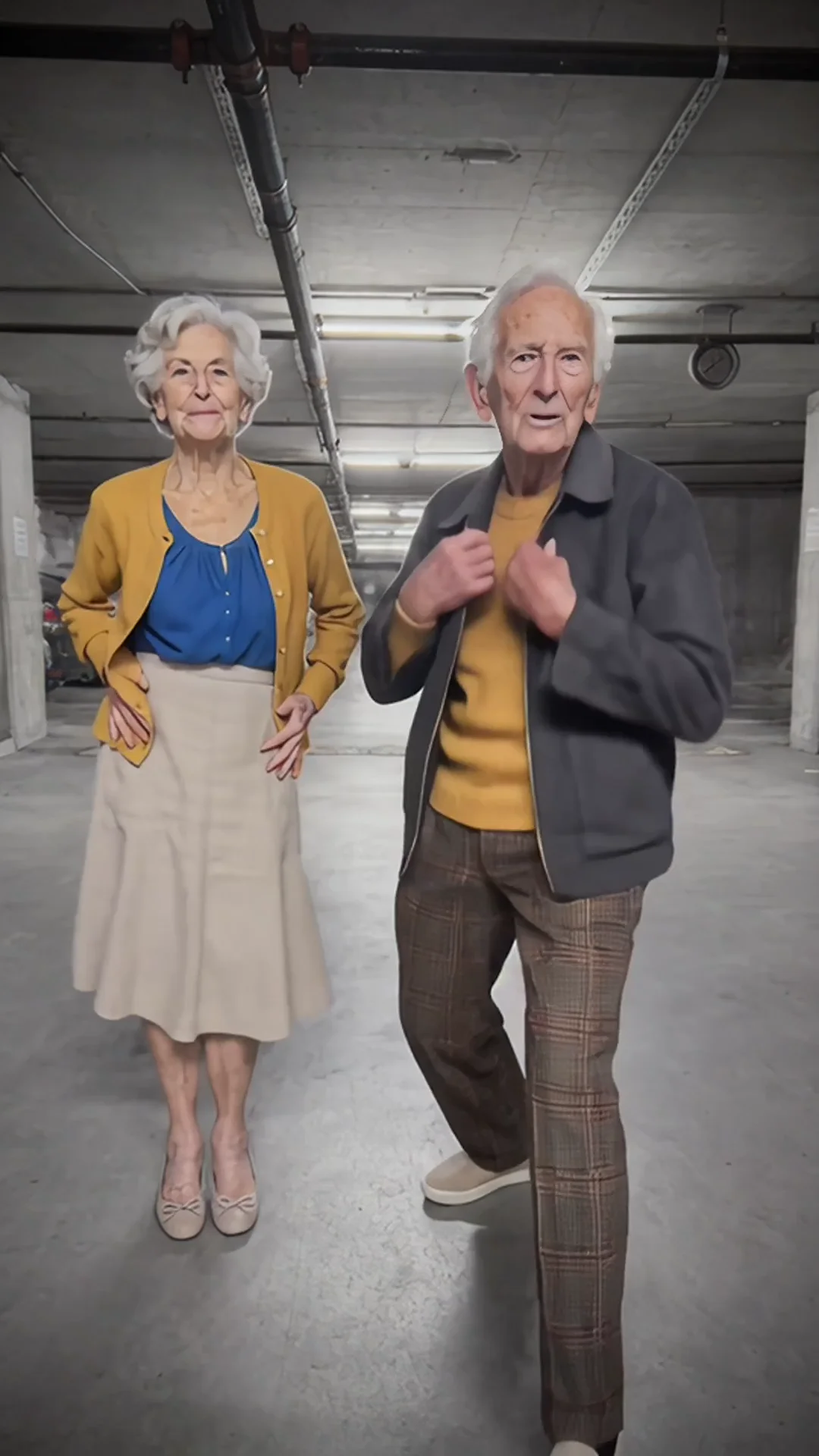
How the AI Keeps Both Dancers Consistent Through Every Move
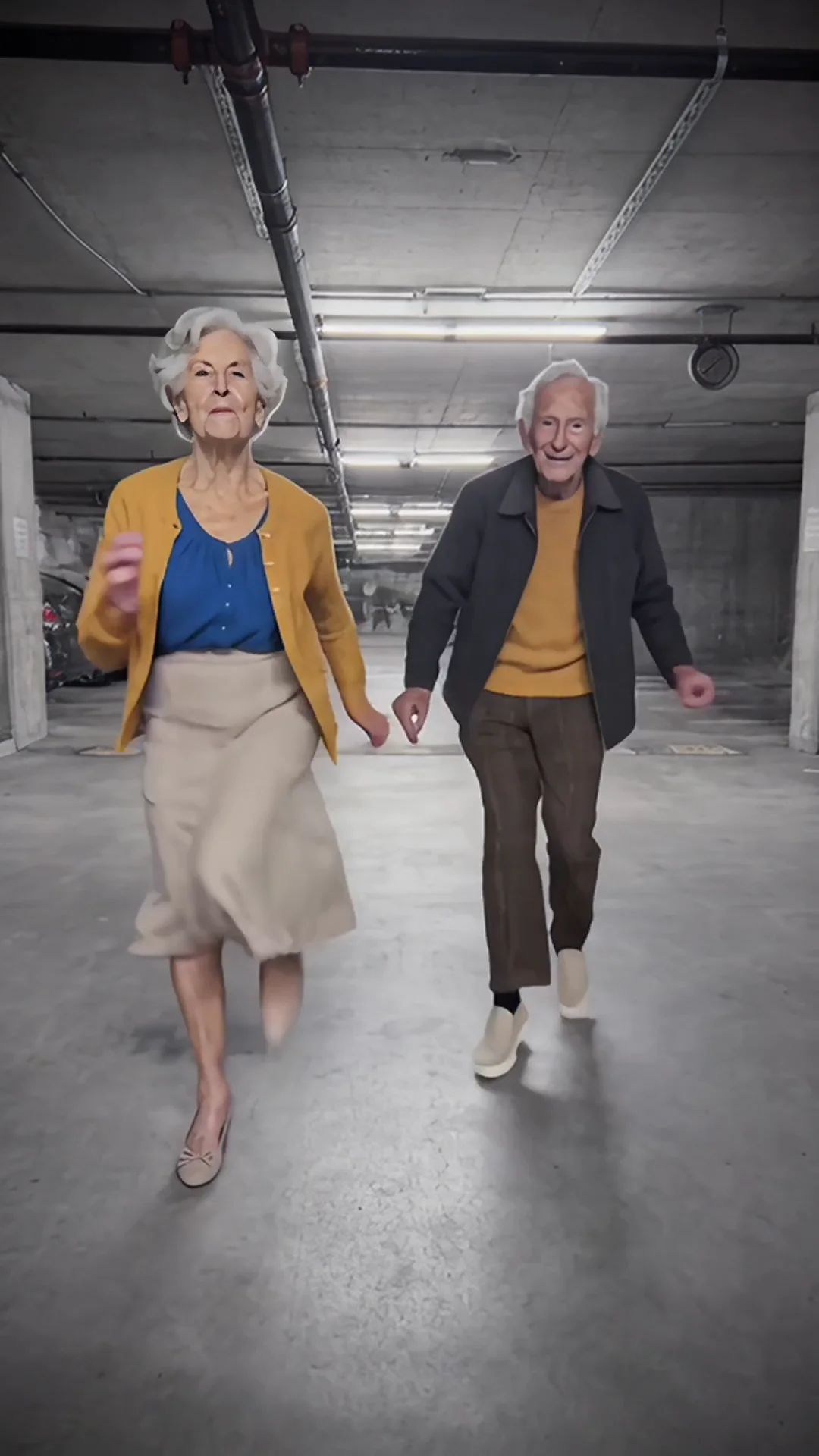
Our dual-identity pipeline tracks both dancers at once, preserving each face, silver hair and outfit through the jacket adjustments, kicks, shuffles and turns while the concrete garage and cold strip lighting stay locked to the reference.
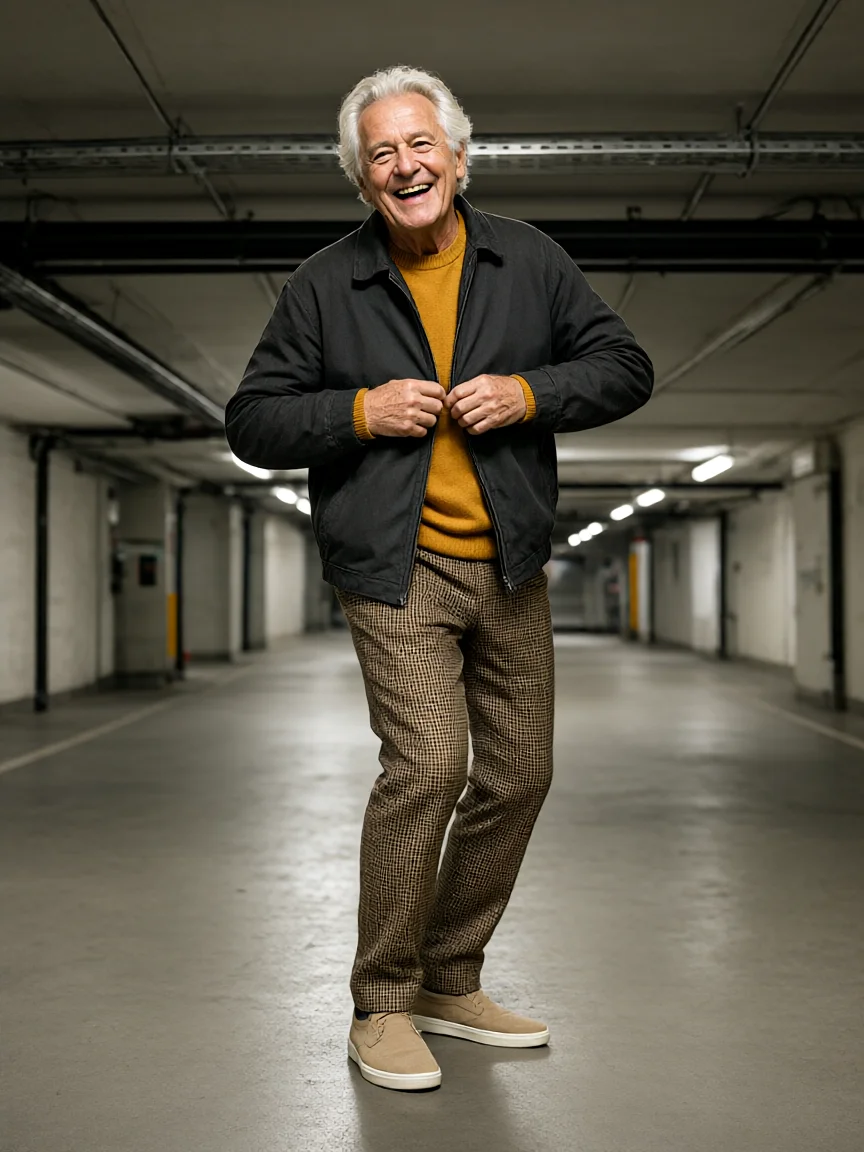
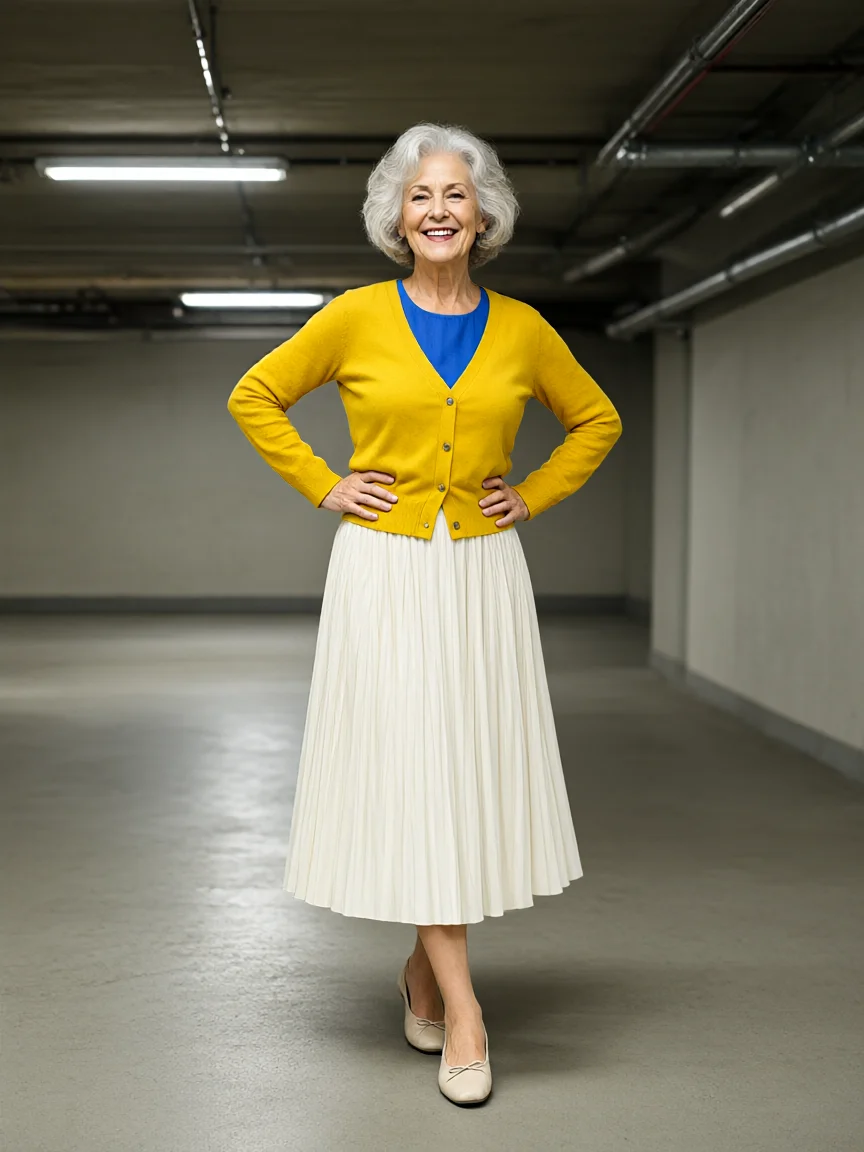
Who Can Star in Your Runaround Sue AI Video?
Anyone with two clear portraits can star, from a real couple or best friends to grandparents, coworkers, anime characters or even pets. The retro garage look makes any pair feel like they wandered into a 1960s dance party.
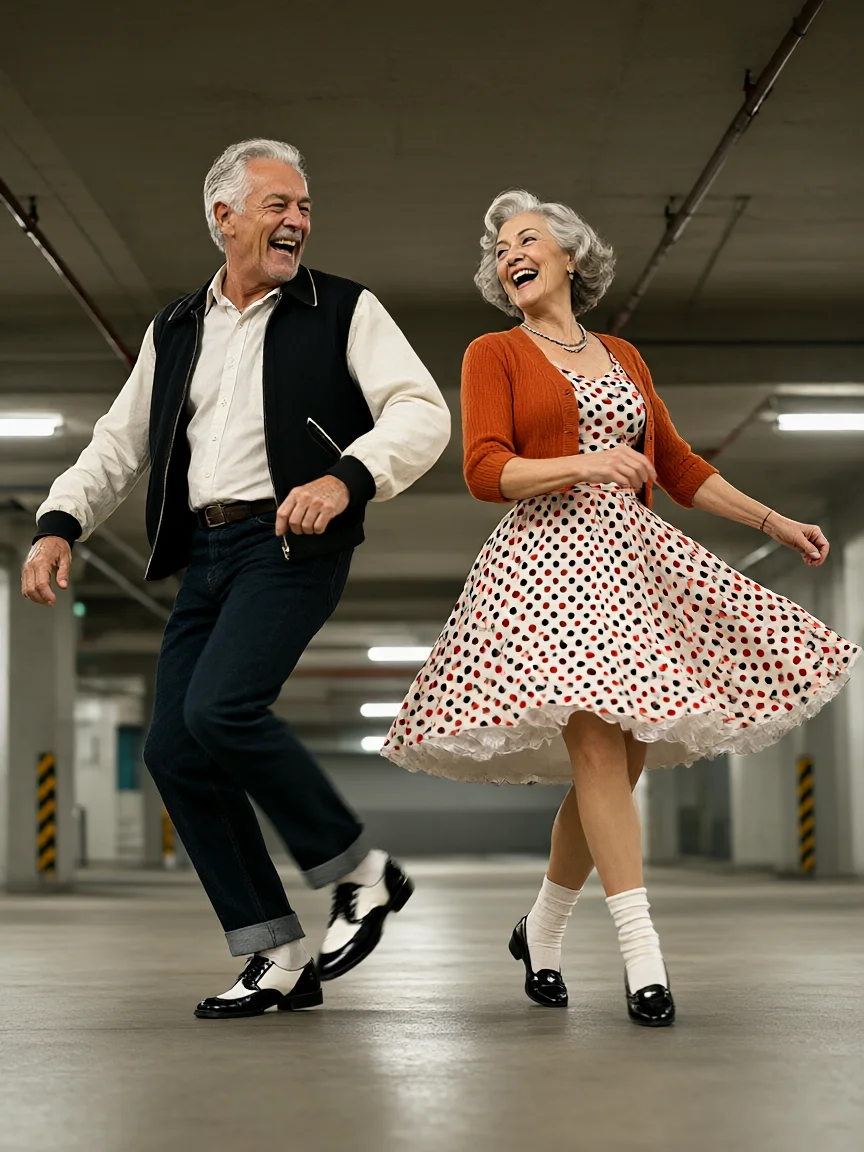
RETRO SILVER-AGE GROOVE
Shatter age stereotypes with infectious retro joy. A charming silver-haired couple rocking vintage 1950s rockabilly streetwear, hitting smooth garage shuffles with contagious smiles.
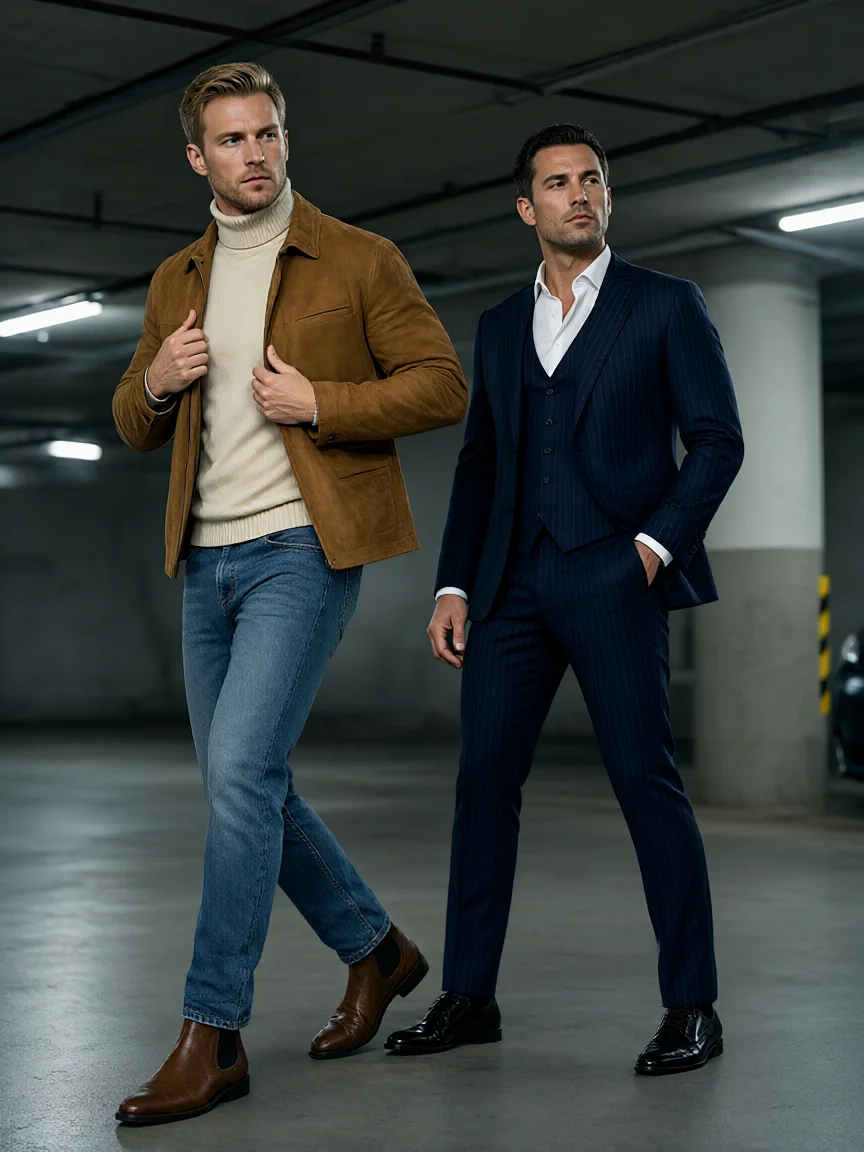
WALL STREET SUIT SHUFFLERS
Unleash boardroom power on the underground dance floor. Two sharp-dressed corporate executives in tailored navy pinstripe and suede jackets busting out synchronised footwork and smooth jacket adjustments.
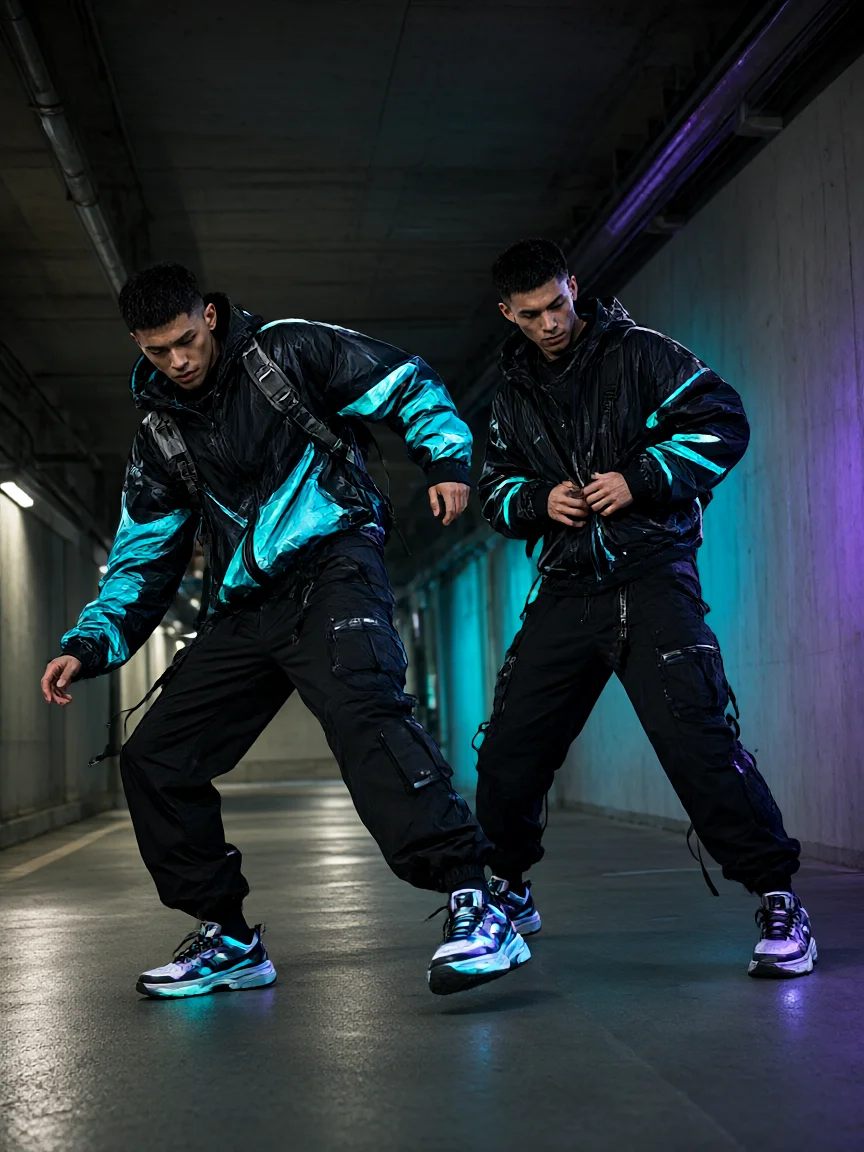
CYBERPUNK DRIFT STREET DUO
Electrify the concrete underground with futuristic street fashion. Two cyberpunk trendsetters in neon-accented techwear jackets and reflective kicks delivering razor-sharp street shuffles.
What Happens in the 14-Second Runaround Sue AI Video?
The 14-second clip moves through four beats: the duo settles into the empty garage and adjusts their jackets, the first kicks and knee-bends land, they shuffle toward the camera, and they finish with turns and a loopable bounce.
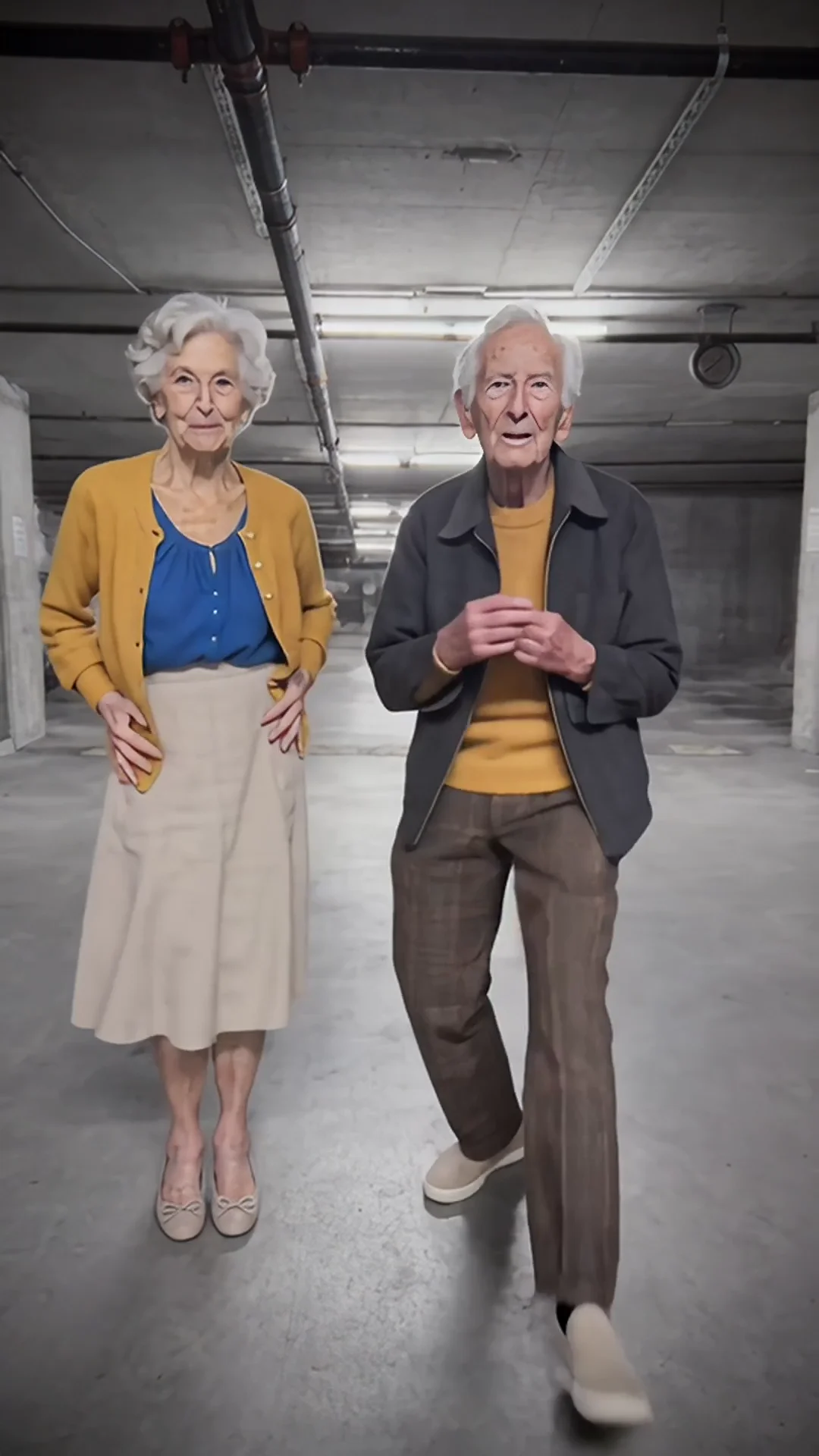
Jackets Straightened in the Empty Garage
The camera opens on a bare concrete underground garage lined with ceiling pipes and fluorescent strip lights. Your two dancers stand shoulder to shoulder, one hand on the hip and one on the jacket zipper, catching the first beat of the song.
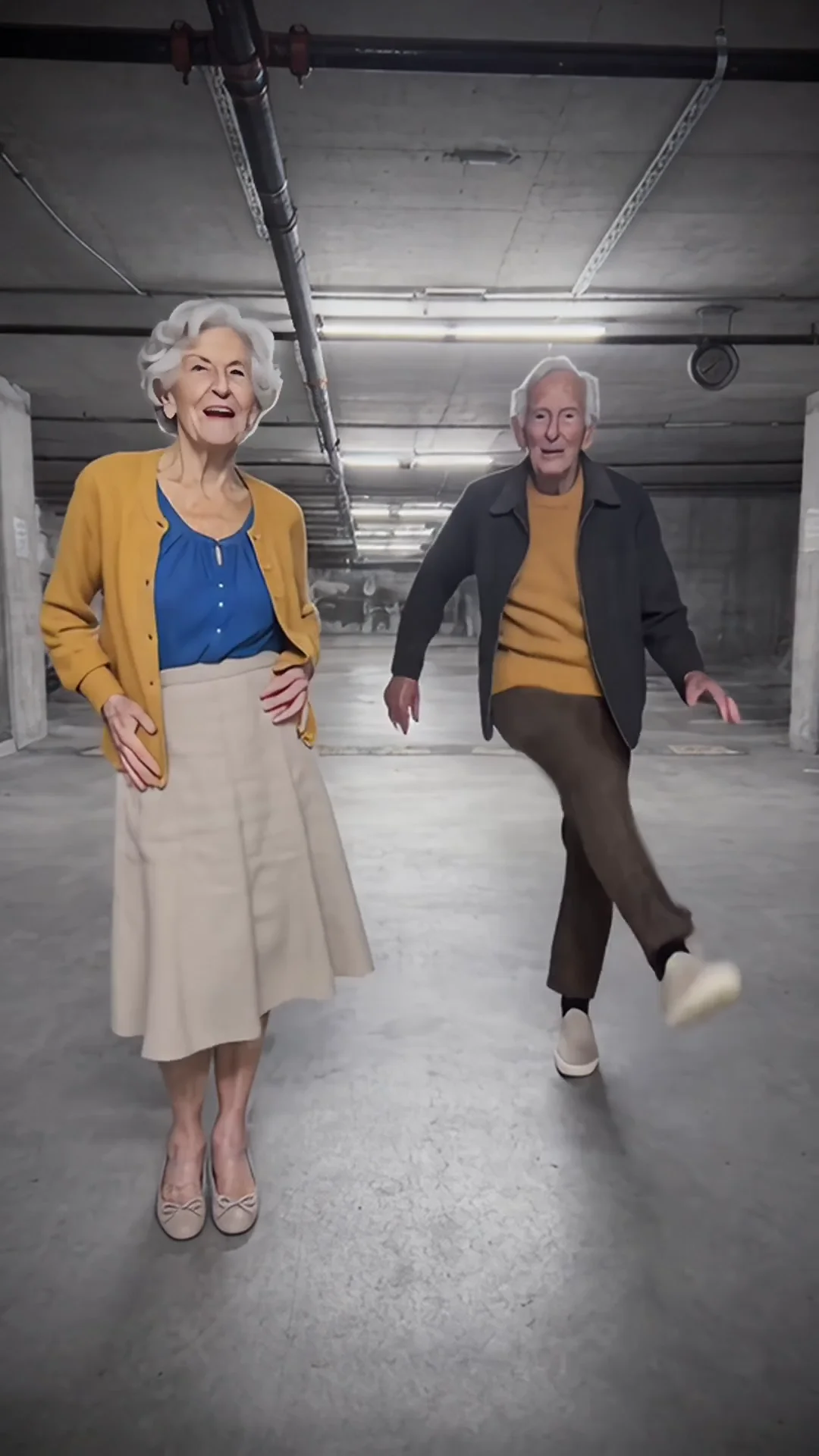
First Kicks and Knee-Bends
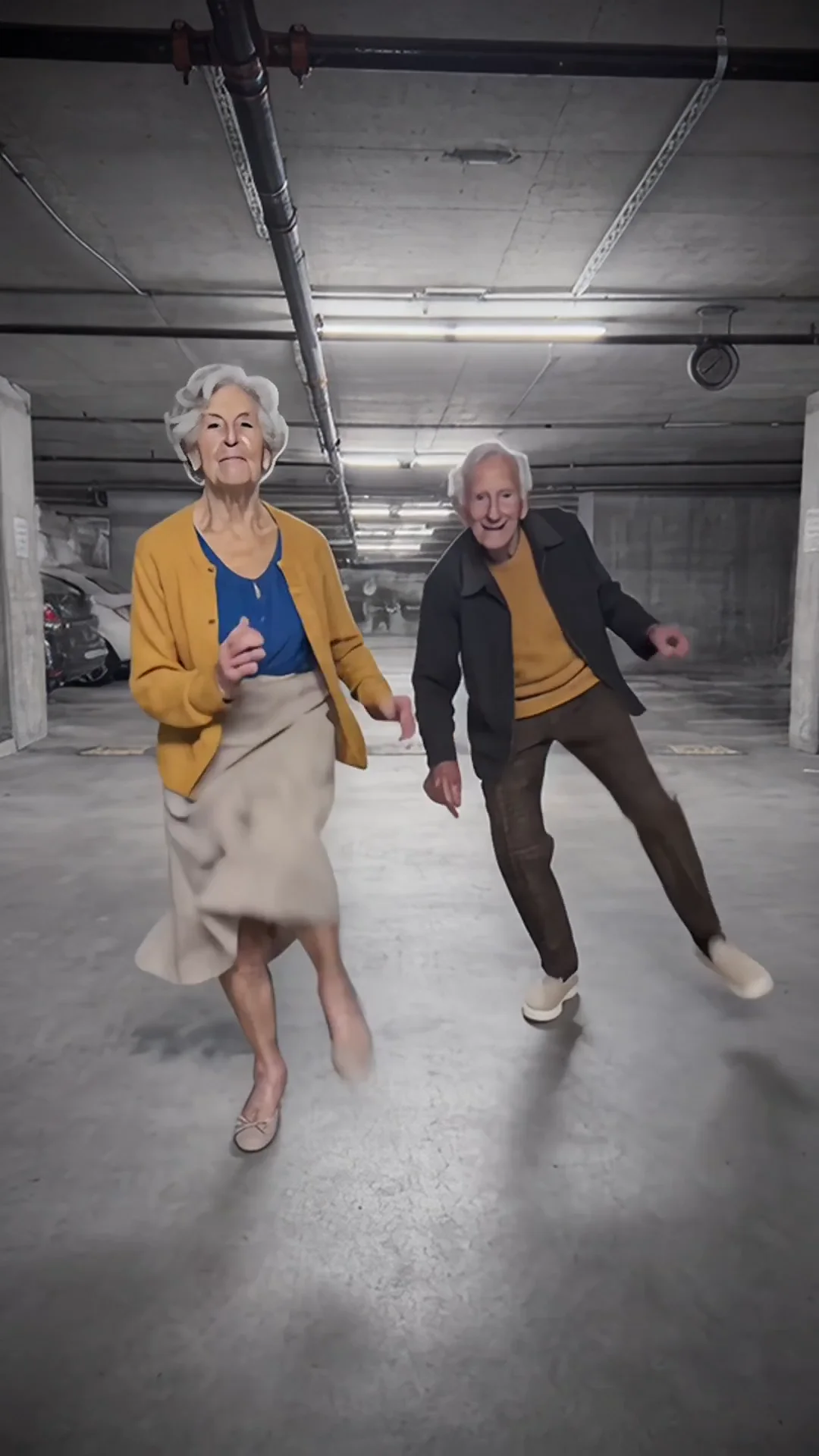
The rhythm kicks in and both dancers bend their knees and rock side to side while one leg lifts into a loose kick. Arms swing freely as their faces stay locked on the camera.
Shuffling Toward the Camera
The pair shuffles forward along the polished concrete, shoulders bouncing and arms swinging in step, closing the distance to the lens while the garage stretches out behind them.
Turns and the Loopable Finish
Both dancers spin and kick through the final bars, then land in a wide, smiling stance that loops cleanly back to the opening pose.
How to Make a Runaround Sue AI Video in 3 Simple Steps
Upload two portraits, click generate, and download your finished 14-second retro garage duo dance video.
Upload Two Portraits
Pick clear, front-facing photos for the left and right dancer, including the outfits you want each one to keep.
Click Generate
The pipeline transfers both identities onto the reference performance, keeps the garage, cuts and lighting, and syncs every kick and turn to the original audio.
Download and Share
Preview your 480P MP4, download it watermark-free, and post it to TikTok, Instagram Reels or YouTube Shorts.
Best Photo Tips for a Cleaner Runaround Sue AI Video
Use two sharp, evenly lit, front-facing portraits so the AI can keep each dancer's face, hair and outfit locked through all four garage beats.
Recommended Best Practices
Shoot each dancer from the front with the face, shoulders and outfit clearly visible.
Use bright, even lighting so eyes, nose and mouth are easy to read on both faces.
Show the clothing you want to keep, especially the cardigan, jacket and trouser silhouette.
Match the framing of both portraits so neither dancer looks oversized in the duo.
What to Avoid
Avoid blurry, low-resolution screenshots or heavily compressed images.
Do not cover either face with masks, oversized sunglasses or raised hoods.
Avoid extreme side profiles or steep downward angles that hide facial geometry.
Avoid photos where one dancer is much farther from the camera than the other.
How Much Does a Runaround Sue AI Video Cost?
Pay only for what you generate. Credits never expire and failed generations are automatically refunded.
Starter
Makes 1× 480P standard video
Creator
Makes 1× 720P HD (or up to 3× 480P)
Studio
Makes 1× 1080P Ultra (or up to 6× 480P)
Frequently Asked Questions About Runaround Sue AI
Everything you need to know about pricing, music sync, video duration, and photo compatibility.
A video generation costs 45 credits.
Our flexible packs start at $6.99 for 50 credits, $12.90 for 140 credits, and $24.90 for 280 credits with no recurring monthly commitment.
Ready to Shuffle into Your Own Runaround Sue AI Video?
Upload two photos now and join the retro garage duo dance taking over TikTok, Reels and Shorts.
No credit card required to explore • Instant cloud access
Disclaimer: This service is an independent AI generative parody and meme creation tool for transformative entertainment and commentary purposes. It is not affiliated with, endorsed by, or sponsored by any artist, record label, or music publisher. All musical elements and choreography are generated under transformative fair use principles.