
Old Town Road AI Video Generator: Put Two Photos in the Western Ride
Upload two portraits and the AI stages the roadside rap performance, the monetary hand-off at the red convertible, and the overhead send-off — keeping the original storefront framing, camera moves, and embedded beat of the reference clip.
STUDIO WORKBENCH
By uploading, you confirm you're 18+, have permission to use this photo (no celebrities), and agree to our Terms of Service and Privacy Policy.
Watch Real Old Town Road AI Videos Made with Our Generator
Two 15-second takes on the same ride: one live-action duo in an orange jacket and grey three-piece suit, one animated pair in a cartoon roadside store.
What Is the Old Town Road AI Trend and Where Did It Come From?
The format is recognizable in seconds. One performer stands in front of a roadside store singing and gesturing to the beat; a co-star sits in a red convertible and passes out a money bag; then both share the car in a top-down shot as it rolls away. It is a compact, four-beat scene built for vertical micro-entertainment, and the AI version keeps the staging, cuts, camera moves, and timing of the source clip while swapping in the faces and outfits you upload.
Its roots are in music, not AI. Lil Nas X released Old Town Road in December 2018, a country-trap blend of banjo riff and heavy drums that became a short-video staple. In early 2019 the TikTok Yeehaw Challenge sent users through an on-beat cowboy transformation, and TikTok's own newsroom article on April 5 2019 documented the trend. The Billy Ray Cyrus remix later hit No. 1 on the Billboard Hot 100 and stayed there for 19 consecutive weeks, a record at the time.
The visual language came from the remix music video, released May 17 2019: cowboy hats, a roadside candy-and-convenience store, a red convertible, and a money bag. In November 2026 AI tool sites began packaging that scene as a two-photo template. MakeViral self-reported its first version on November 3 2026, a cowboy-dance variant was logged on November 6, and by November 11-14 several sites listed related templates. These are self-reported early dates, and no single originating AI creator or breakout clip is independently verified, so treat the trend as emerging rather than proven-mega-viral.
OnTrend AI turns the scene into a two-photo workflow. Upload a portrait for the roadside rapper and one for the convertible partner, and the pipeline maps each identity onto its performer while preserving the storefront framing, the car interiors, the daylight look, and the audio timing from the reference clip. The result is a 15-second MP4 at 480P that keeps the reference clip's original 854x480 landscape framing, with no crop and no upscaling.
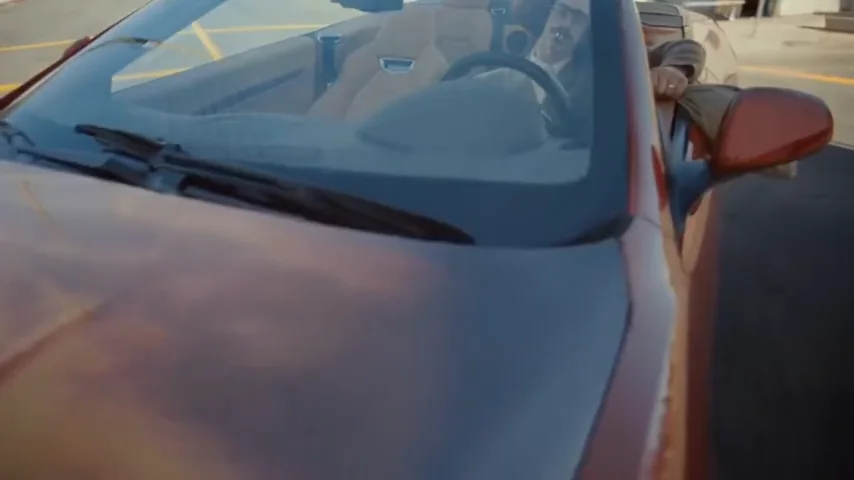
How the AI Casts Two Photos into One Roadside Ride
Our pipeline locks each uploaded identity onto its assigned performer, then keeps the reference clip's storefront and in-car framing, camera moves, daylight color, and audio timing shot for shot.
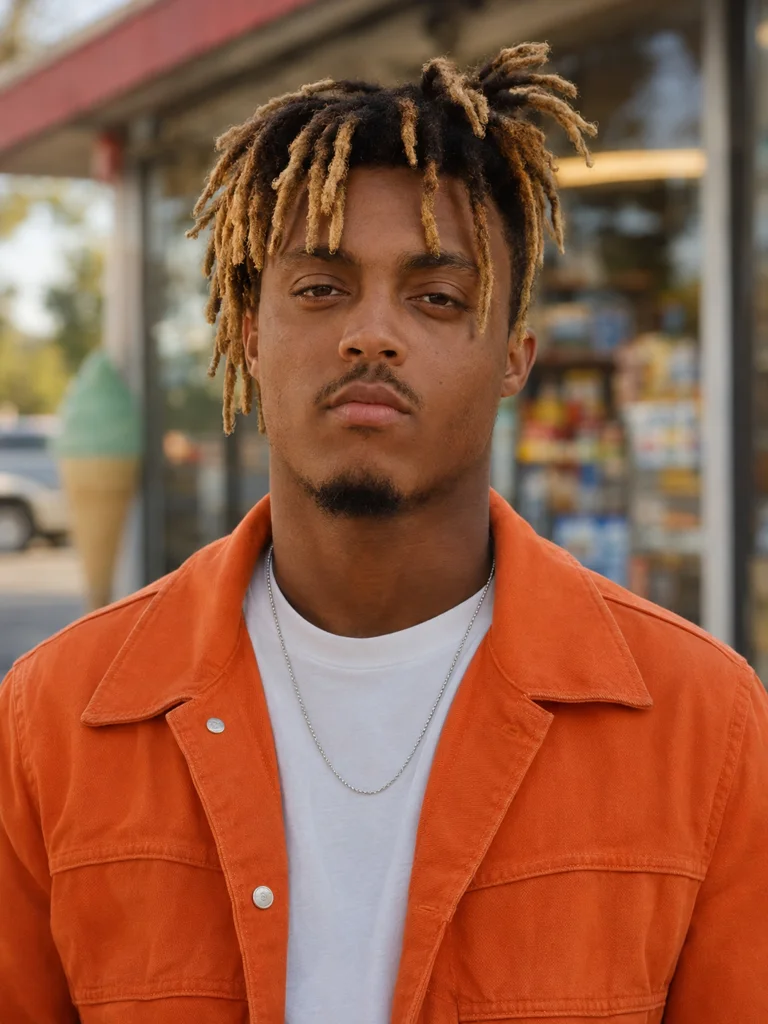
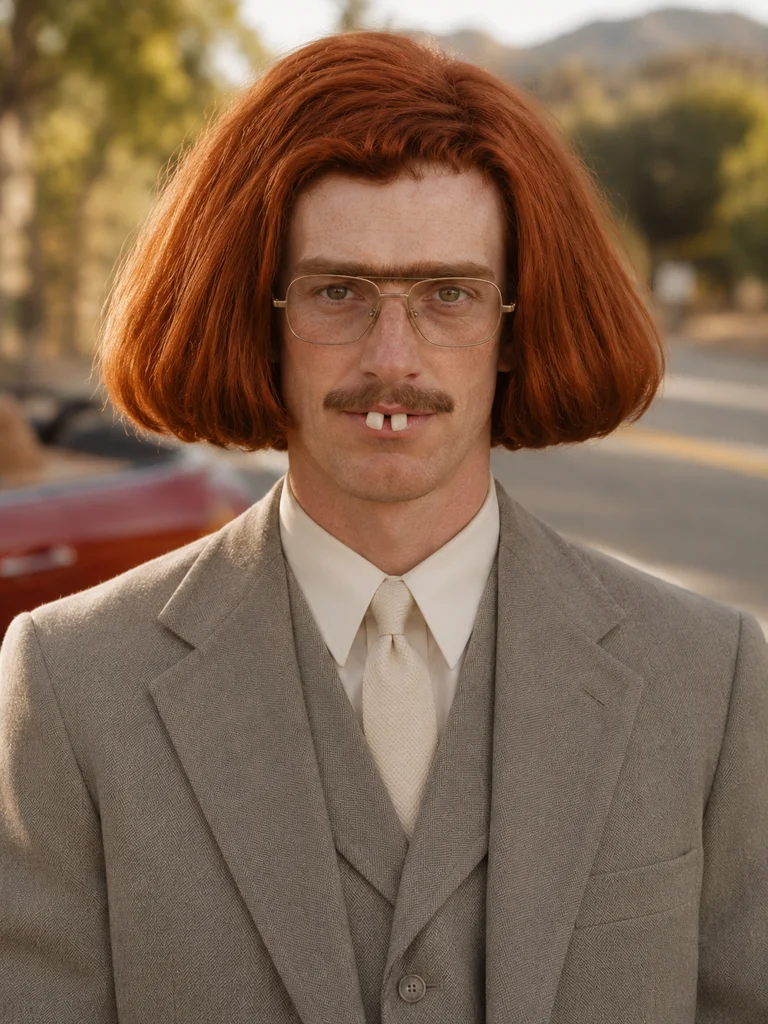
Who Can Star in Your Old Town Road AI Video?
Anyone with two clear portraits can star: friends, couples, coworkers, pets, or animated characters. The roadside setup makes every pairing feel like a music-video cameo.
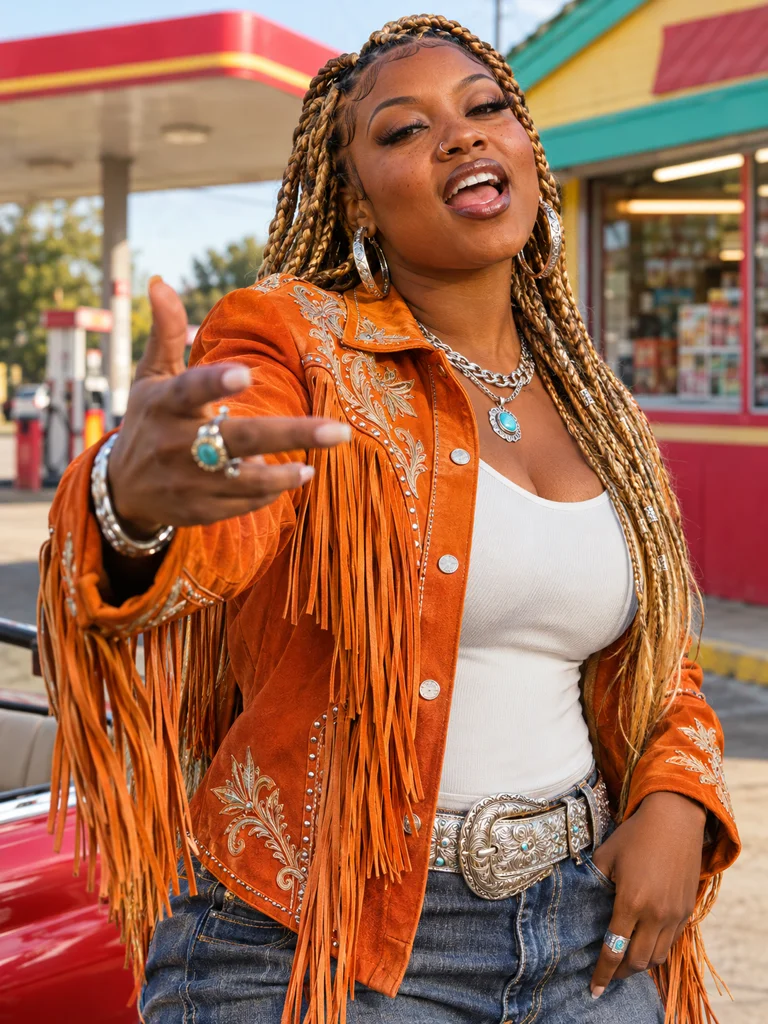
COUNTRY RAP STAR
Step into the spotlight with a cowboy-ready look and a confident country-rap performance.
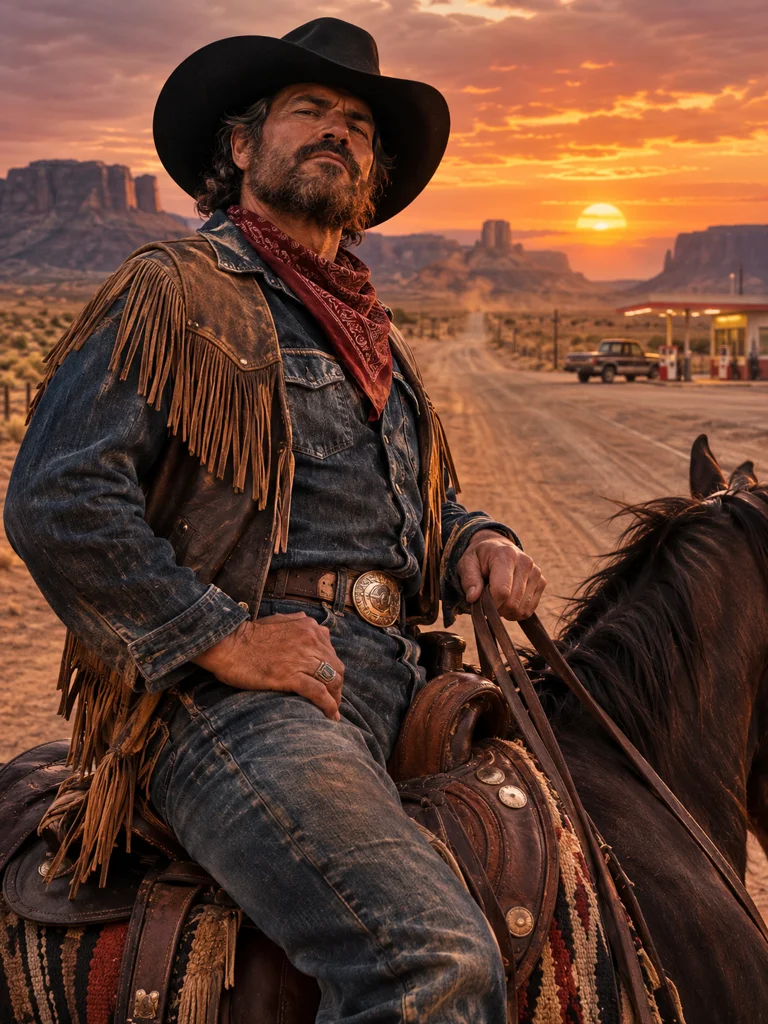
WILD WEST ICON
Give your character a cinematic frontier entrance, then let the beat take over.
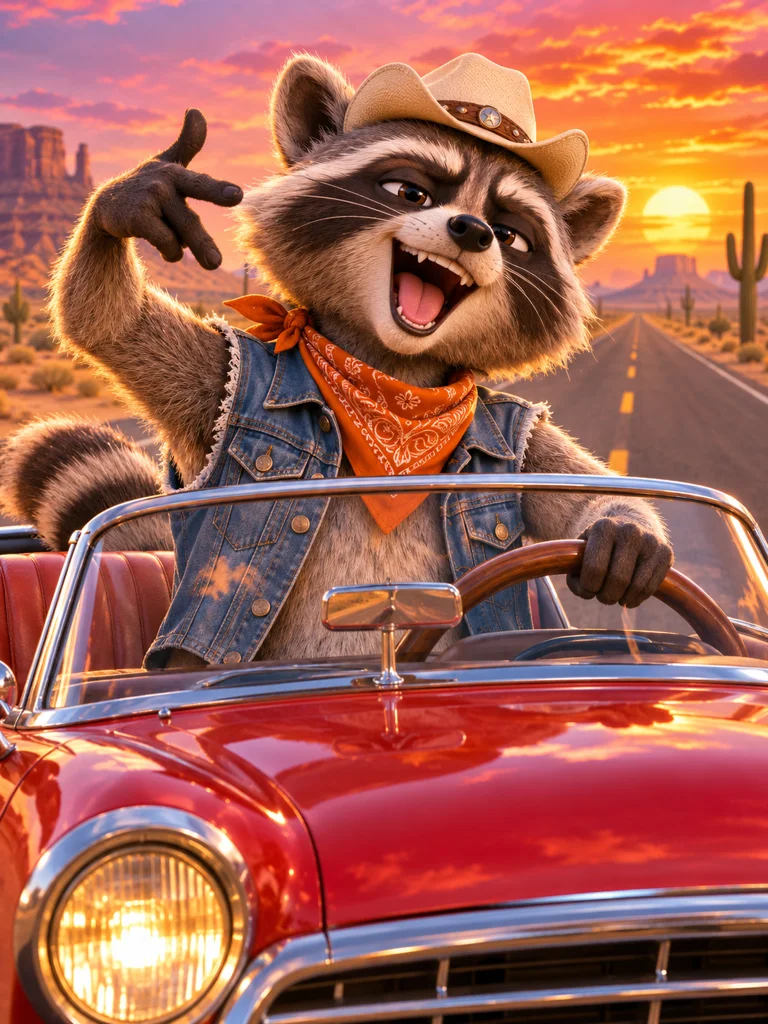
ANIMATED ROAD RIDER
Turn your favorite character into an expressive animated singer on the open road.
What Happens in the 15-Second Old Town Road AI Video?
The clip moves through four fixed beats: the money-bag hand-off at the convertible, the roadside rap at the store, the close-up flow, and the overhead ride out.
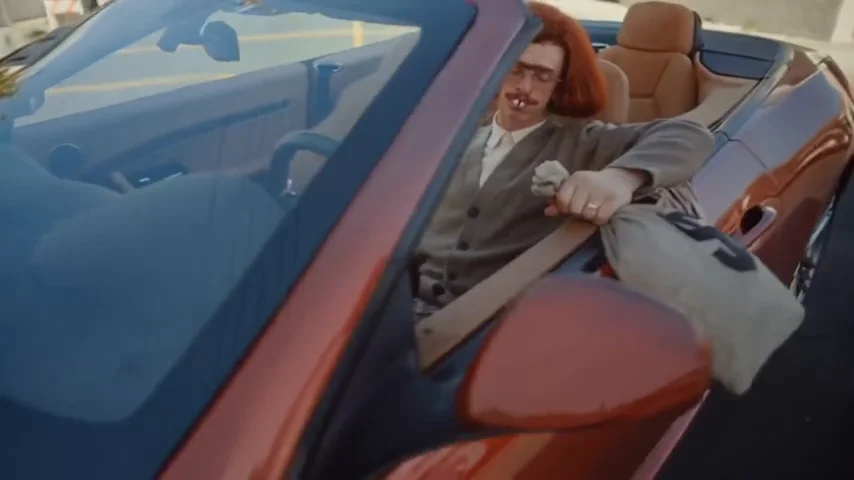
The Money-Bag Hand-Off
An exterior medium shot holds on the red convertible. The co-star in a grey three-piece suit and red wig sits inside and passes a dollar-marked money bag out through the window, one hand on the strap and a grin on the face.
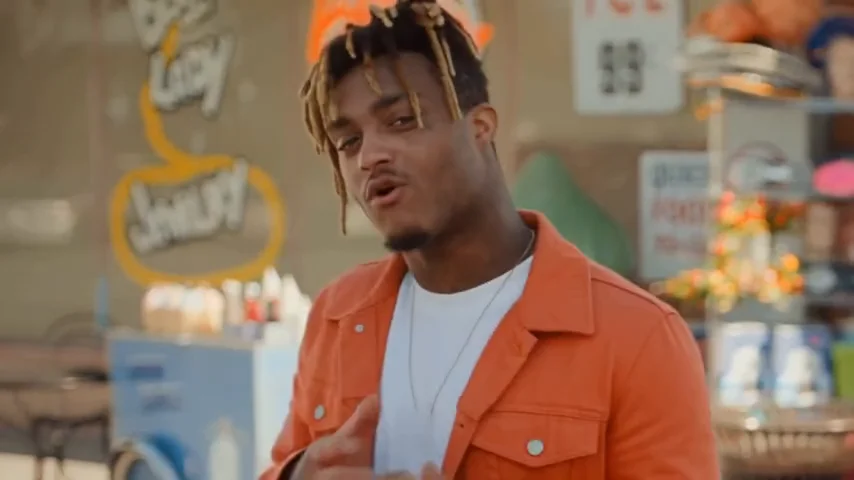
The Roadside Rap
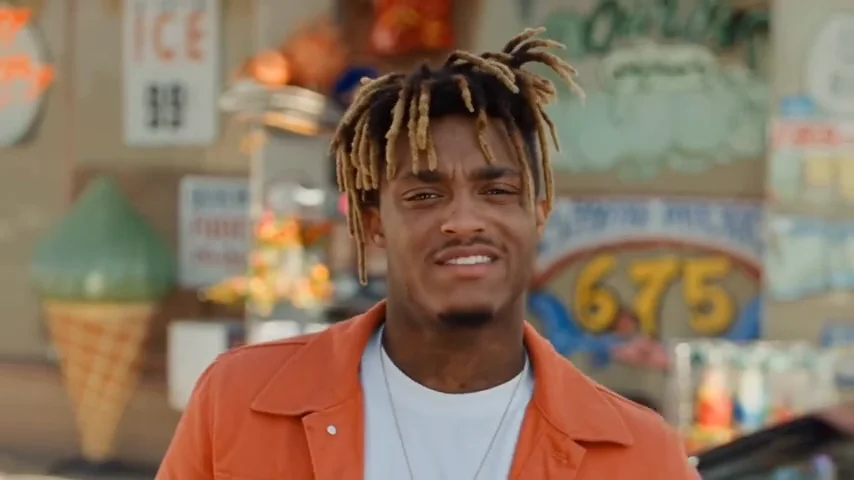
The cut lands in front of a roadside convenience store. The lead in an orange jacket and white tee raps to the beat with loose hand gestures, framed at medium-close range against the ice-cream sign, mural, and stacked shelves.
The Close-Up Flow
The camera pushes into a tight frontal close-up. The lead keeps rapping with highlighted dreads swinging, raising both hands and shifting expressions on the beat while the storefront stays softly visible behind.
The Overhead Send-Off
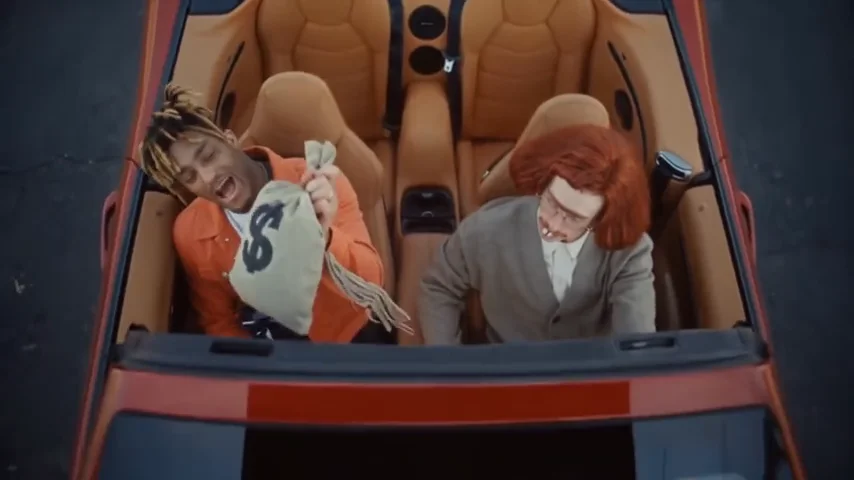
The view switches to a top-down shot inside the convertible. Both performers share the cabin with the money bag, bouncing on the beat, and the camera holds overhead as the red car rolls out of frame.
How to Make an Old Town Road AI Video in 3 Simple Steps
Upload two portraits, click generate, and download your finished 15-second roadside ride video.
Upload Two Portrait Photos
Pick a clear, front-facing photo for Picture A (the roadside rapper) and Picture B (the convertible partner).
Generate the Ride
The pipeline maps both identities onto their performers and keeps the storefront framing, in-car shots, daylight look, and audio timing from the reference clip.
Download and Share
Preview your 480P MP4, download it watermark-free, and post the clip to TikTok, Instagram Reels, or YouTube Shorts.
Best Photo Tips for a Cleaner Old Town Road AI Video
Use two sharp, evenly lit, front-facing portraits so the AI can hold both identities from the storefront rap through the overhead ride.
Recommended Best Practices
Pick two solo portraits where each face and pair of shoulders is clear and unobstructed.
Use bright, even lighting so the eyes, nose, and mouth are easy to read in both photos.
Show the outfit you want each performer to wear, especially the jacket and suit silhouette.
For pet or cartoon characters, keep the face, ears, and distinctive markings in focus.
What to Avoid
Avoid blurry, low-resolution screenshots or heavily compressed images.
Do not cover faces with masks, oversized sunglasses, or raised hoods.
Avoid extreme side profiles or steep downward angles that hide facial geometry.
Avoid heavy beauty filters that erase natural facial features.
How Much Does an Old Town Road AI Video Cost?
Pay only for what you generate. Credits never expire and failed generations are automatically refunded.
Starter
Makes 1× 480P standard video
Creator
Makes 1× 720P HD (or up to 3× 480P)
Studio
Makes 1× 1080P Ultra (or up to 6× 480P)
Frequently Asked Questions About Old Town Road AI
Everything you need to know about pricing, music sync, video duration, and photo compatibility.
A video generation costs 45 credits.
Our flexible packs start at $6.99 for 50 credits, $12.90 for 140 credits, and $24.90 for 280 credits with no recurring monthly commitment.
Ready to Make Your Own Old Town Road AI Video?
Upload two photos now and ride the beat from the storefront to the convertible send-off.
No credit card required to explore • Instant cloud access
Disclaimer: This service is an independent AI generative parody and meme creation tool for transformative entertainment and commentary purposes. It is not affiliated with, endorsed by, or sponsored by any artist, record label, or music publisher. All musical elements and choreography are generated under transformative fair use principles.