
Lil Yachty Walkout AI: Turn One Photo Into the Hardest Walkout Ever
Upload one portrait and the AI casts you into the 10-second Summer Smash walkout: out of the backstage tunnel, mic raised over a roaring festival crowd, then a swaggering high-knee strut down the runway.
STUDIO WORKBENCH
By uploading, you confirm you're 18+, have permission to use this photo (no celebrities), and agree to our Terms of Service and Privacy Policy.
Watch Lil Yachty Walkout AI Videos Hit the Stage
Two characters, one backstage-to-runway move: a walk into the festival light, a mic raised over the crowd and a confident strut down the long runway.
What Is the Lil Yachty Walkout AI Trend and Where Did It Come From?
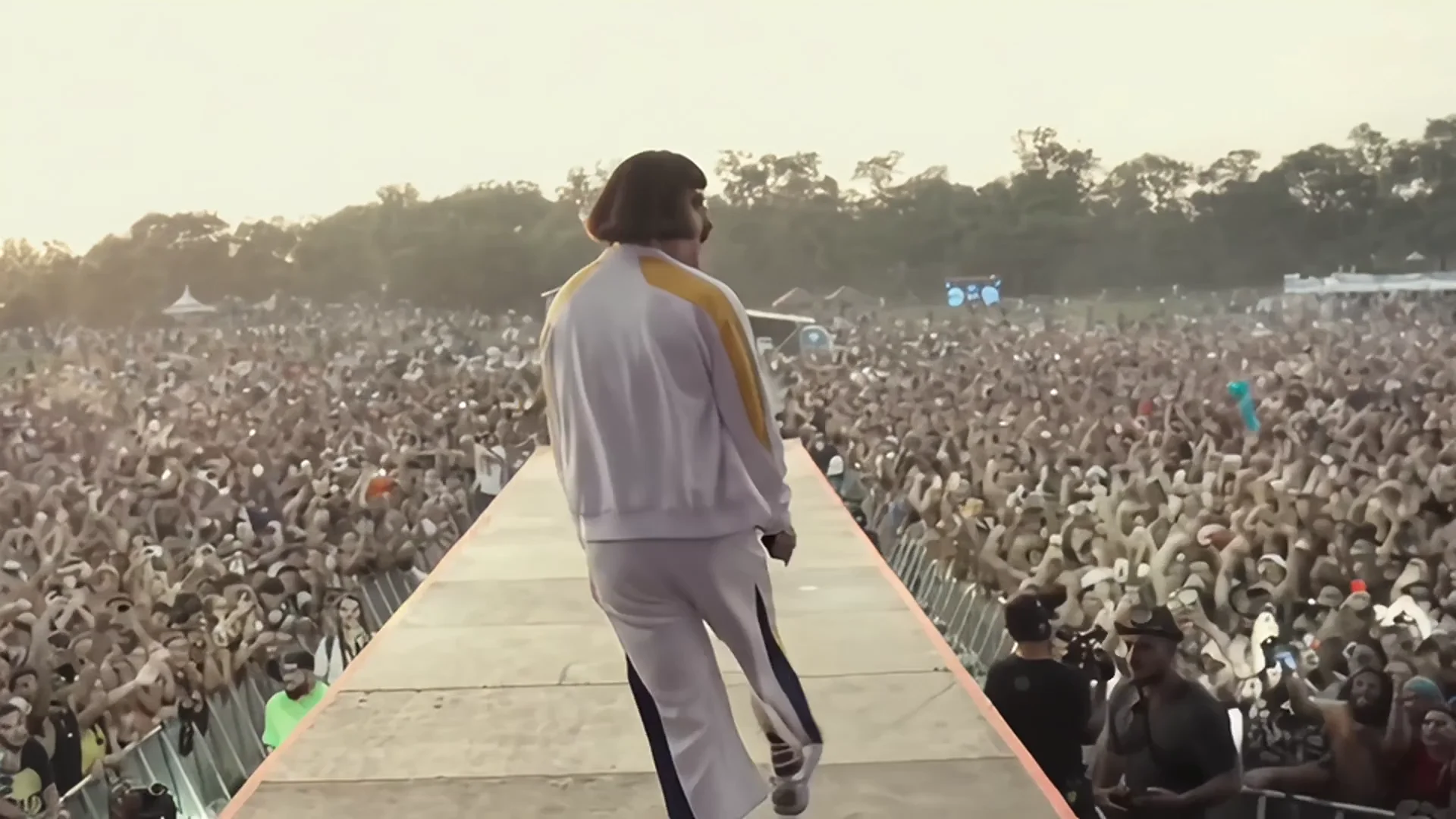
The source clip is real footage. Lil Yachty, born Miles Parks McCollum, walked out at the Lyrical Lemonade Summer Smash in Chicago in August 2021. The camera follows him from backstage past crews, monitors and camera operators, out into the sunlight, where he lifts the microphone overhead in front of a huge festival field. Then he turns and marches down the long runway into the crowd with a bouncy, high-knee stride that made the clip instantly recognizable.
The walkout spread in stages. A YouTube upload by The Extra on June 20, 2022, titled Lil Yachty with the HARDEST walk out EVER, passed 4 million views within two years according to Know Your Meme. By 2023 the clip worked as a reaction meme for confidence and victory, especially in sports communities, with one X post by @mosthiphop reported at more than 100,000 likes in a year.
The AI chapter began on April 8, 2024, when @AIWarper used Viggle AI to replace Lil Yachty with the Joker. Keeping the original motion, camera and crowd while swapping only the lead character turned one memorable entrance into a repeatable template. Nikola Jokic, Sam Bankman-Fried, footballers and coaches followed, and a version posted on April 11, 2024, was reported at over 120,000 likes in a single day.
In late 2026 the format turned personal. Instead of swapping famous faces, users started putting their own photos into the scene, and search interest shifted toward names like Lil Yachty Walkout AI, Stage Walkout Filter and Stage Entrance Filter. The commonly cited nodes are @brendanfallis on September 28, 2026, filter tutorials around October 30 and AI template pages in early November. Treat those dates as tracker and vendor records rather than independently verified coverage of a second mass wave.
This template is the one-photo version of that structure. It keeps the backstage tunnel, the festival light, the mic raise, the crowd and the high-knee runway walk, then replaces the original performer with the identity in your photo. The clip is about 10 seconds, runs on the reference audio and exports as a vertical video built for short-form feeds.
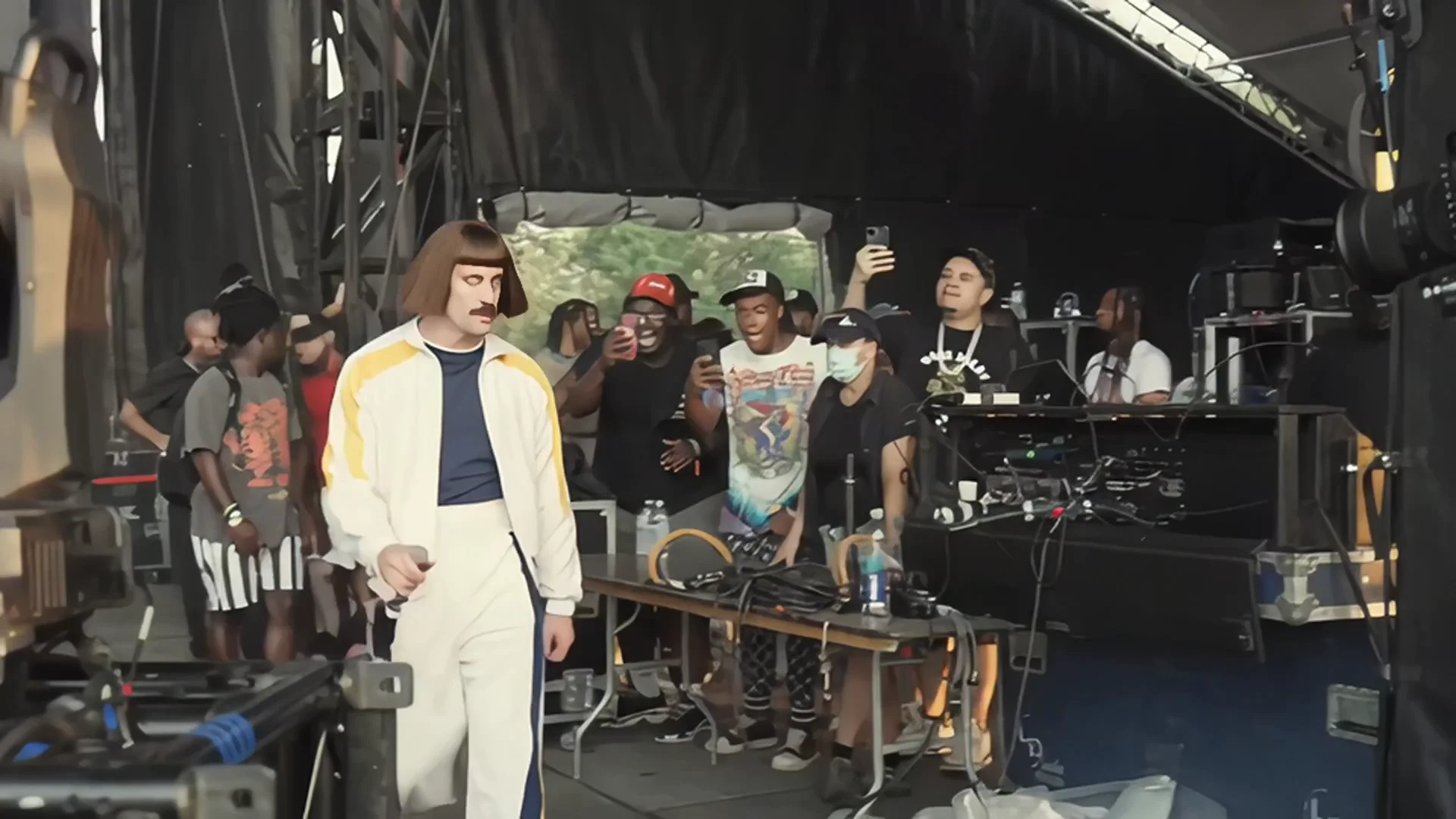
How One Photo Becomes a Lil Yachty Walkout AI Video
The pipeline reads the face, hair and outfit in your portrait, casts that identity into the Summer Smash entrance, and rebuilds the backstage tunnel, the crowd, the mic raise and the runway strut on the same 10-second timeline.
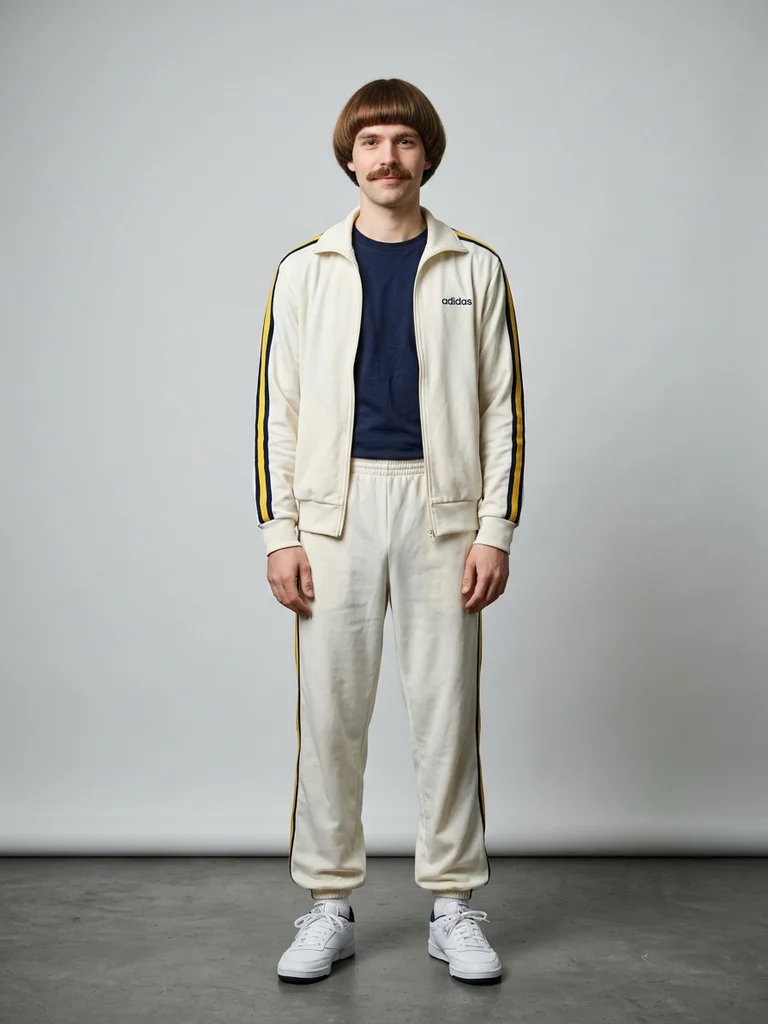
Who Can Star in Your Lil Yachty Walkout AI Video?
Anyone with one clear portrait can take the walkout, from a suited hip-hop headliner to a futuristic pop star, a leather-jacketed rock frontman or a pet with main-character energy.
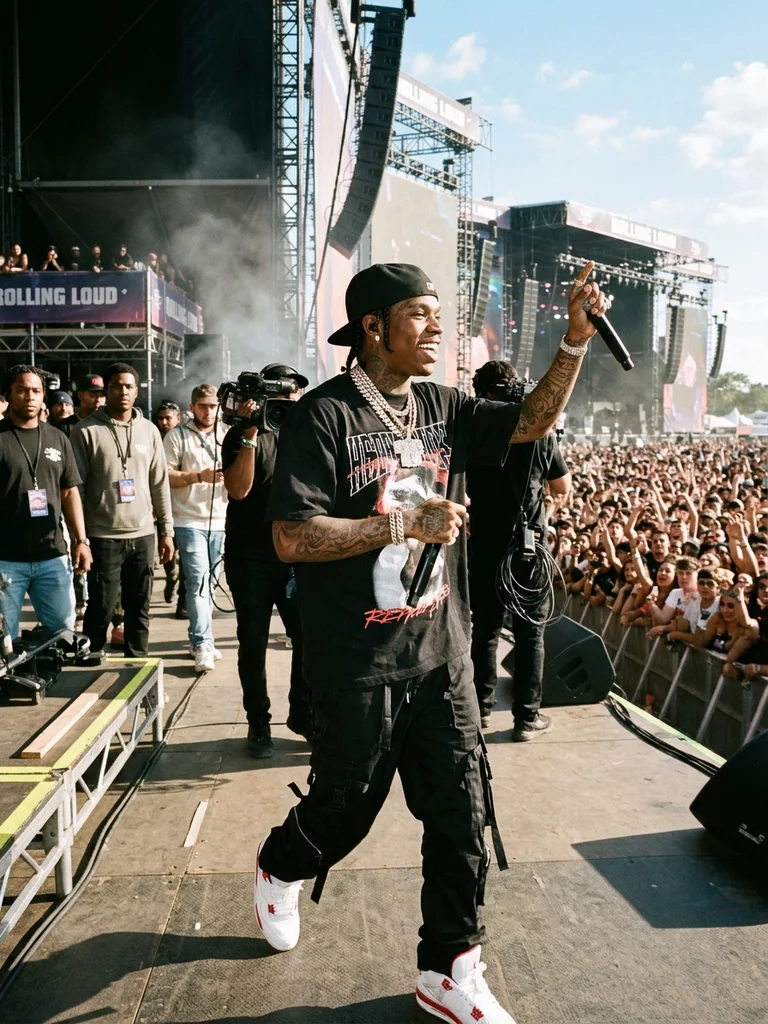
ROLLING LOUD HIP-HOP HEADLINER WALKOUT
A hyper-confident rap superstar in layered diamond Cuban link chains and an oversized streetwear graphic tee grips a black microphone and struts from backstage toward the front of a sun-drenched festival stage before tens of thousands of hyped fans.
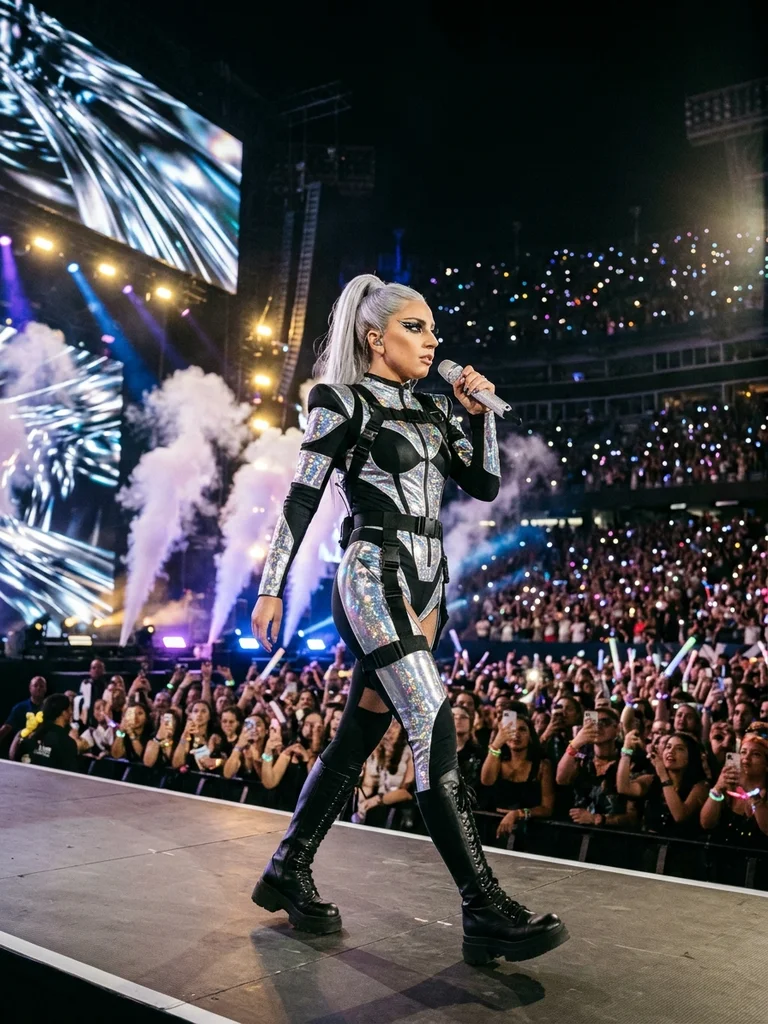
FUTURISTIC EDM POP QUEEN ARENA ENTRANCE
A stunning pop-electronic star with a sleek platinum ponytail and a silver reflective catsuit commands the stadium stage, striding boldly into roaring crowds and dazzling stage lasers with absolute presence.
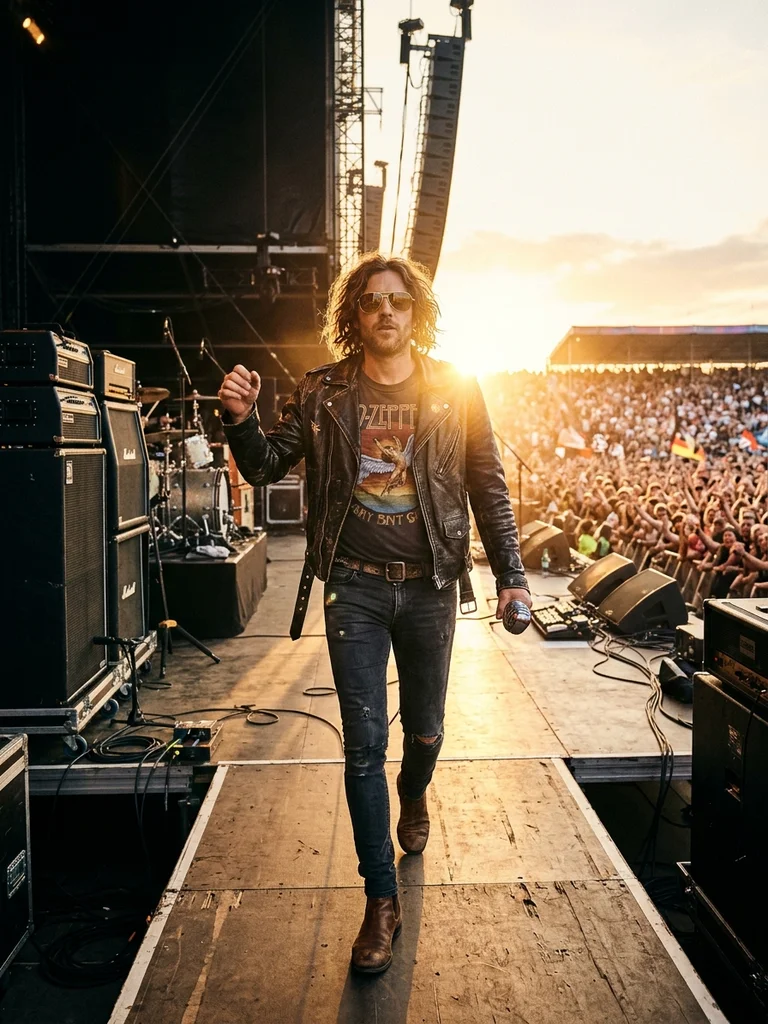
LEGENDARY ROCK FRONTMAN STADIUM STRIDE
A legendary rock and roll frontman with wavy shoulder-length hair and aviator sunglasses strides forward in a distressed leather biker jacket, gripping a retro chrome microphone before a roaring stadium audience under golden sun flare.
What Happens in the Lil Yachty Walkout AI Video? Shot by Shot
The 10-second clip moves through four beats: the backstage tunnel walk, the step into daylight and mic raise, the front-of-stage stare over the crowd, and the turn into the high-knee runway strut.
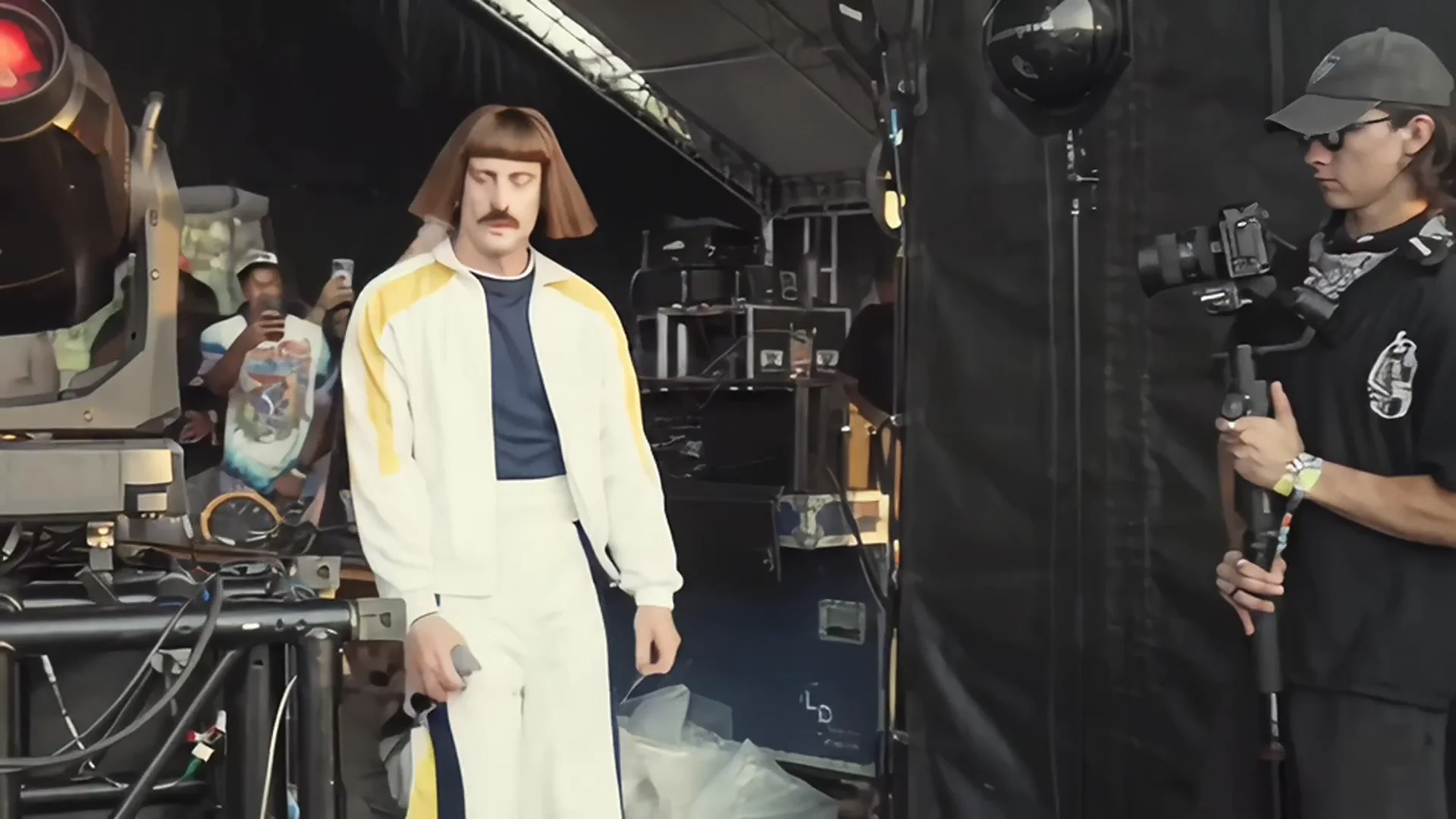
Backstage Tunnel Walk
The clip opens under the festival tent. Your character walks forward past the DJ table, monitor desks, flight cases, crew members and camera operators, heading toward the bright opening at the end of the tunnel.
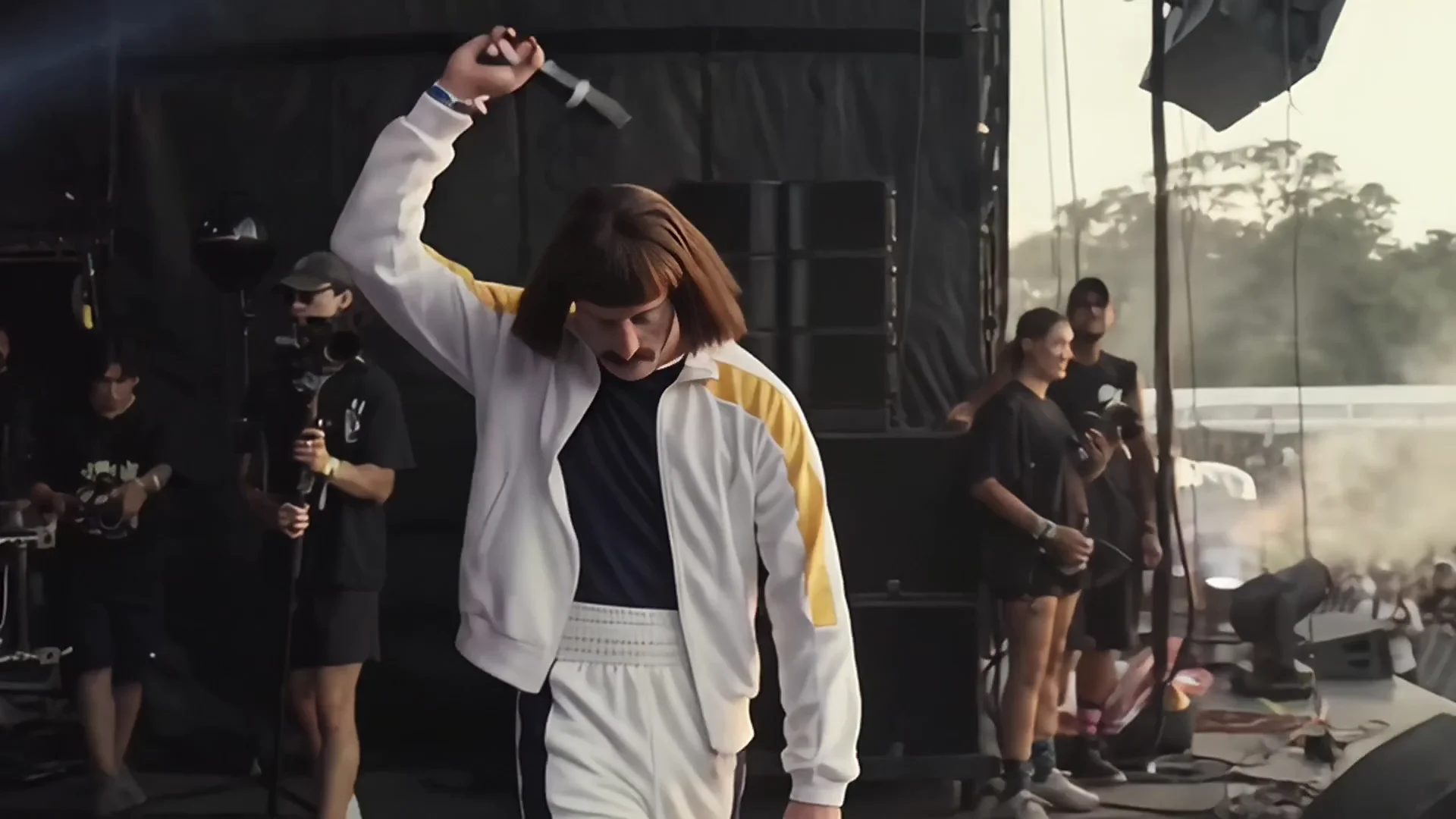
Into the Light and Mic Raise
Your character reaches the stage edge and steps into warm afternoon light, lifting the microphone high overhead. Speaker stacks and stage rigging frame the shot as the first roar of the crowd rolls in.
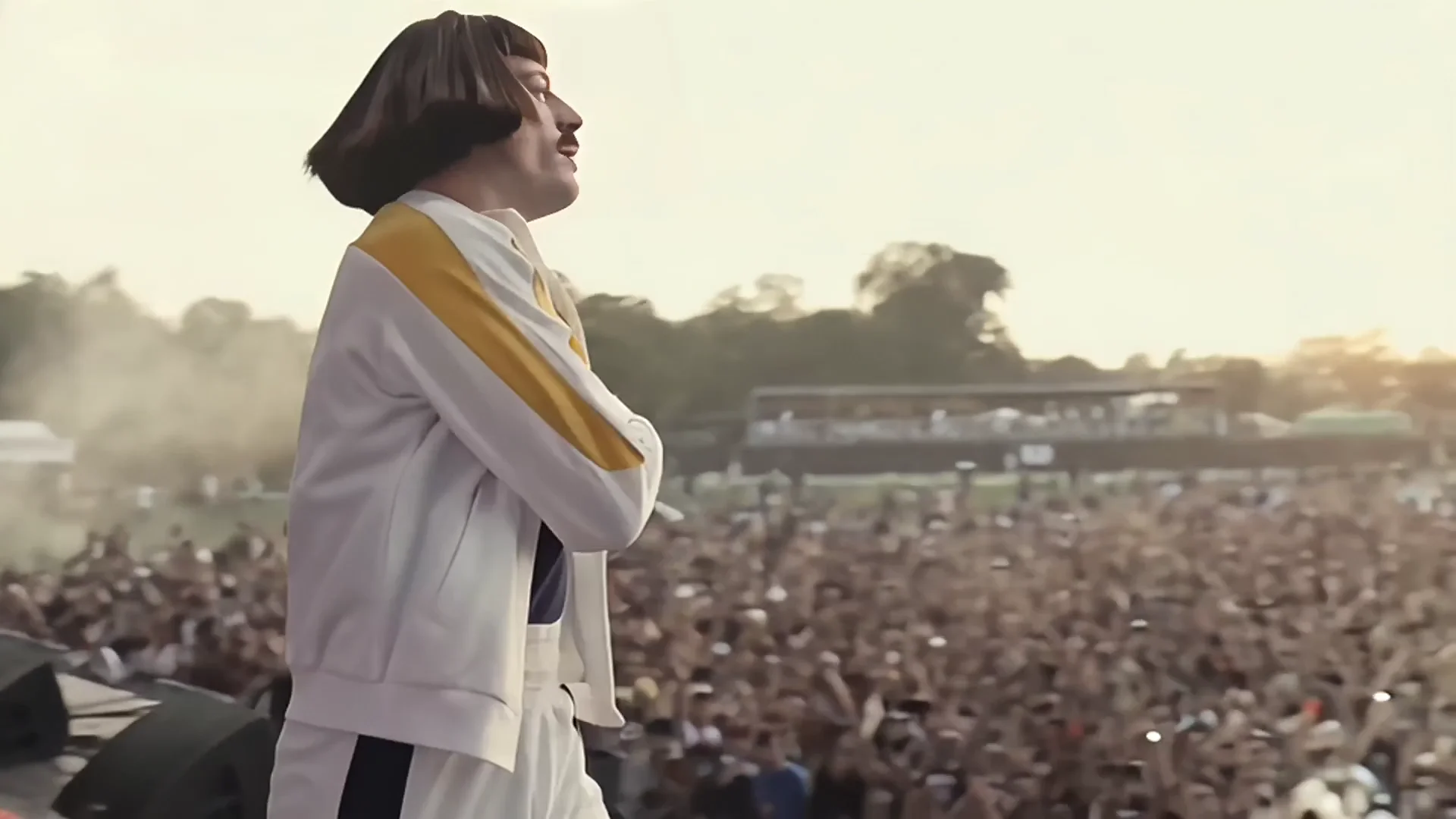
Front-of-Stage Stare
With the mic still raised, your character turns to face the vast festival field. Haze and low sun sit over the crowd, and the pose holds for a beat so the scale of the stage lands.
High-Knee Runway Strut
Your character turns away from the camera and marches down the long runway into the crowd, swinging the arms and lifting the knees in the exaggerated walkout that made the clip famous. The shot ends mid-stride as fans reach up on both sides.
How to Make a Lil Yachty Walkout AI Video in 3 Steps
Upload one portrait, pick a resolution tier and generate a finished 10-second vertical clip with the backstage tunnel, the crowd, the mic raise and the runway walk already built in.
Upload One Character Photo
Add a clear, front-facing portrait of the person or character who should take the walkout. Even light and a visible head and shoulders give the cleanest identity match.
Pick Your Resolution Tier
Choose standard 480P (45 credits), 720P HD (90 credits) or 1080P Ultra (180 credits) depending on where the clip will be posted.
Generate and Download
Hit generate and the cloud pipeline renders the backstage tunnel, the crowd and the runway walk with the synchronized reference audio. Download the watermark-free MP4 and post it straight to your channel.
Photo Tips for a Cleaner Lil Yachty Walkout AI Video
Use one sharp, evenly lit, front-facing portrait so the identity holds when the camera follows you through the tunnel and the runway strut.
Recommended Best Practices
Show the full head and shoulders
The walkout reads from the waist up for most of the clip, so a clear face and shoulder line keeps the identity convincing as the body turns and walks away.
Use even, natural light
The tunnel is shaded and the stage is bright, so soft front lighting keeps skin tones stable as your character crosses from one to the other.
Keep the expression confident
A calm, self-assured look fits the walked-out-like-a-winner framing and gives the pipeline a stable reference for the facial motion.
Wear visible upper-body clothing
A jacket, tee or chain reads clearly against the tunnel and the crowd, and helps the outfit transfer stay coherent through the turn.
What to Avoid
Avoid sunglasses and face masks
Covered eyes remove the landmarks needed for the stare over the crowd and the expression that sells the entrance.
Do not use group photos
Several faces create ambiguity about who should take the walkout. Use a single clear subject instead.
Avoid heavy filters and stickers
Aggressive smoothing or AR overlays distort natural contours and can flicker when the head turns during the strut.
Skip low-resolution screenshots
Compressed images from chat apps lose fine detail, which weakens the face match as the camera follows the body away.
Lil Yachty Walkout AI Video Pricing and Credit Packs
Pay once, create when the trend peaks. Credits never expire, and failed generations are refunded automatically.
Starter
Makes 1× 480P standard video
Creator
Makes 1× 720P HD (or up to 3× 480P)
Studio
Makes 1× 1080P Ultra (or up to 6× 480P)
Frequently Asked Questions About Lil Yachty Walkout AI
Everything you need to know about pricing, music sync, video duration, and photo compatibility.
A generation costs 45 credits at standard 480P, 90 credits at 720P HD and 180 credits at 1080P Ultra.
One-time packs start at $6.99 for 50 credits, with larger Creator and Studio packs also available and no recurring subscription.
Ready to Walk Out Like You Own the Stage?
Upload one photo and let the AI put you in the backstage tunnel, raise the mic over the crowd and send you down the runway in about two minutes.
No credit card required to explore • Instant cloud access
Disclaimer: This service is an independent AI generative parody and meme creation tool for transformative entertainment and commentary purposes. It is not affiliated with, endorsed by, or sponsored by any artist, record label, or music publisher. All musical elements and choreography are generated under transformative fair use principles.