
Make Five GTA 6 AI Video Scenes: Four from One Photo, Lovers Takes Two
Choose one of five GTA 6 AI video scenes, upload one photo (two for Lovers on the Run), and get a 7–14 second 9:16 clip with native audio — no prompt writing.
GTA 6 Trailer AI
11s · 1 photo · 45 credits at 480P, double at 720P and quadruple at 1080P.
Generate Your GTA 6 AI Video
By uploading, you confirm you're 18+, have permission to use this photo (no celebrities), and agree to our Terms of Service and Privacy Policy.
Four GTA 6 AI Video Scenes to Try
Four GTA 6 AI video scenes at 11 / 11 / 9 / 14 seconds: pick one, upload a photo and the template handles the camera work and audio.
Trailer Cut — 11s
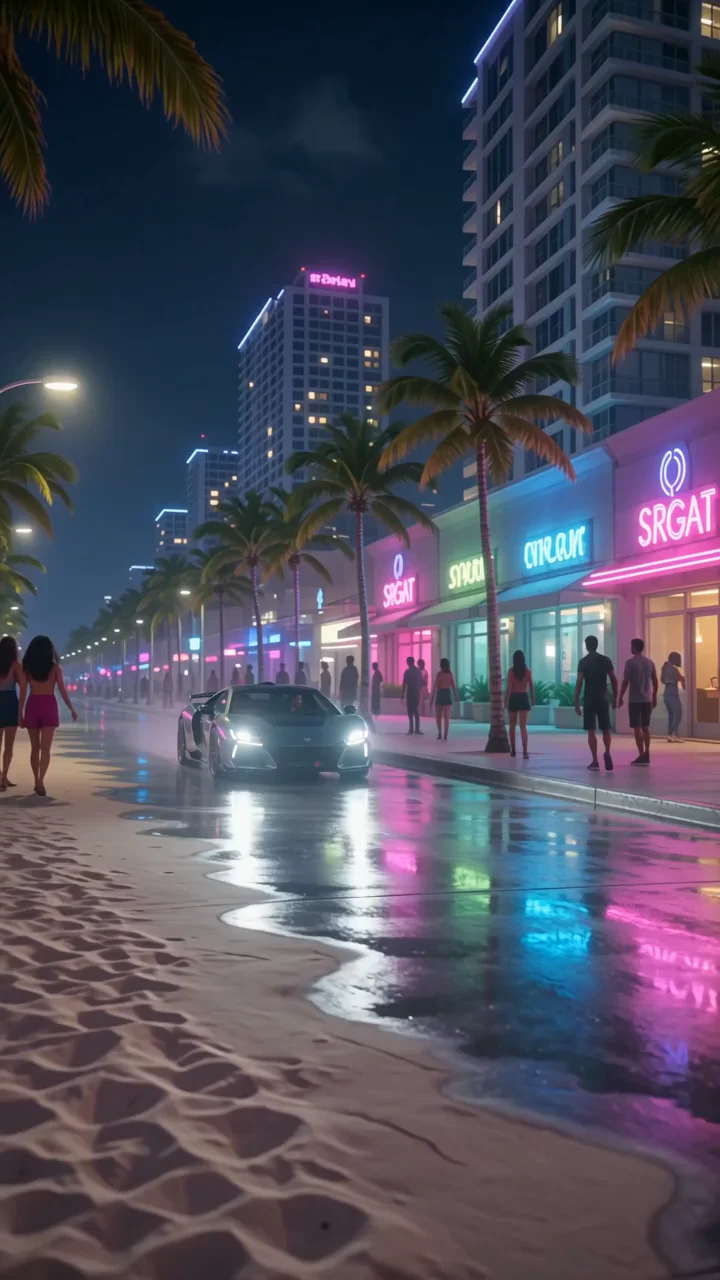
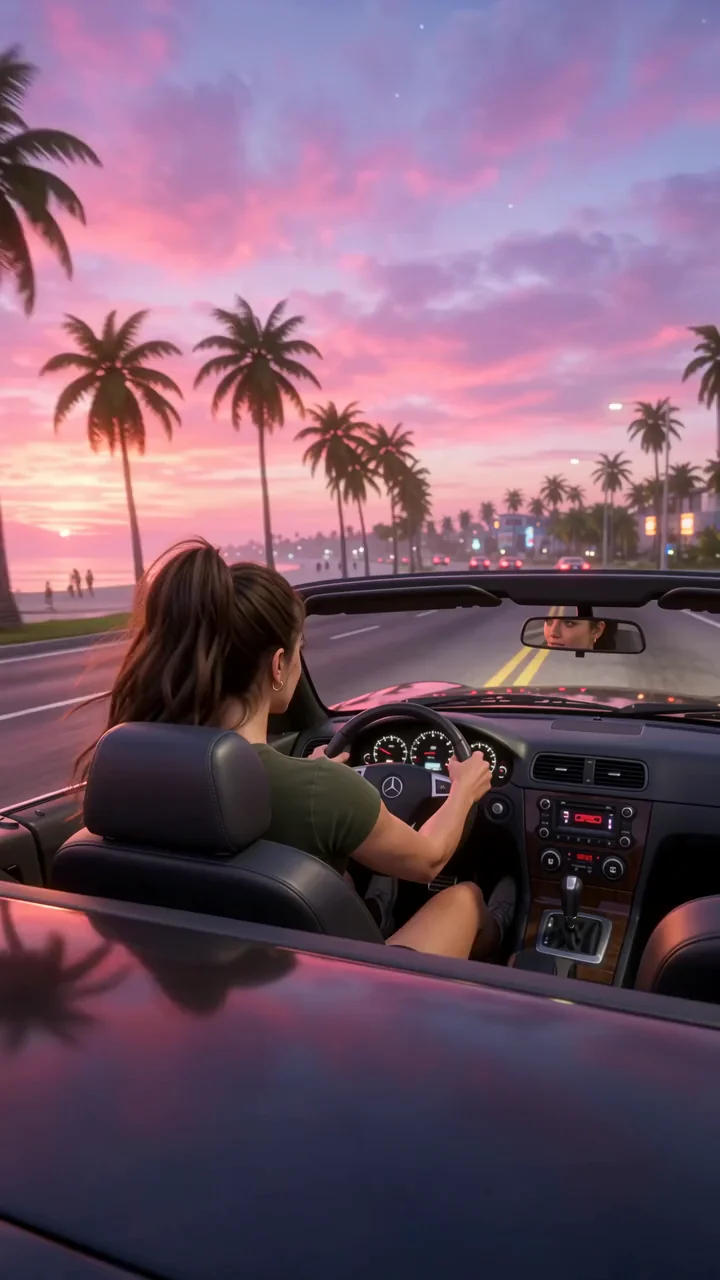
A four-scene trailer montage: sunset drive, neon gas station, swamp boat and a rooftop standoff under a helicopter searchlight. 1 photo.
Nightclub Entrance — 11s
Walk past the velvet rope into a neon-lit club floor with a packed crowd and club sound. 1 photo.
Wanted Level — 9s
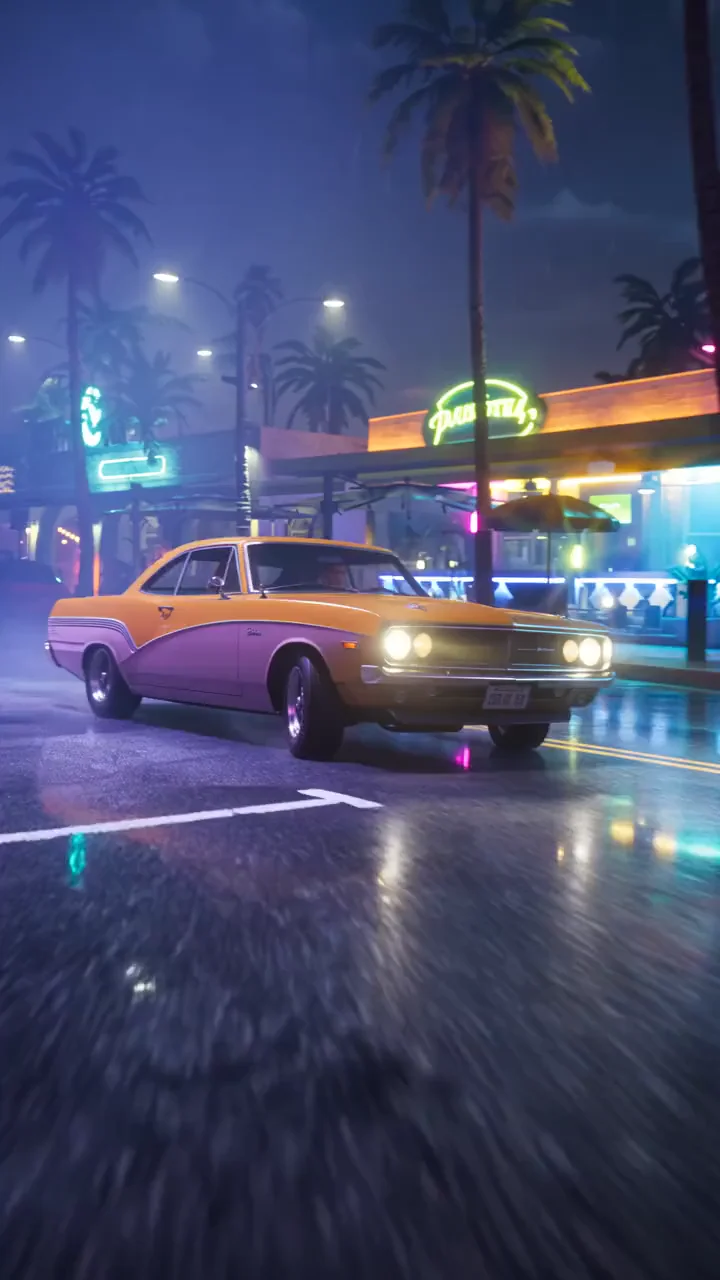
A third-person chase shot with police lights, engine audio and the open-world grade. 1 photo.
Lovers on the Run — 14s
Driver and passenger in one rooftop standoff; the order matters: driver first, passenger second. 2 photos.
How to Make a GTA 6 AI Video
Make a GTA 6 AI video in three steps, with no editing skills and no prompt to write.
- 01
Pick a style
Pick one of the five GTA 6 AI video scenes. Each has its own camera work, pacing and soundtrack.
- 02
Upload your photo
Upload one clear, well-lit portrait. Lovers on the Run takes two: driver first, then passenger.
- 03
Generate and share
Render a 9:16 MP4 and download it ready for TikTok, Reels and Shorts.
Pick the Right Photo for Your GTA 6 AI Video
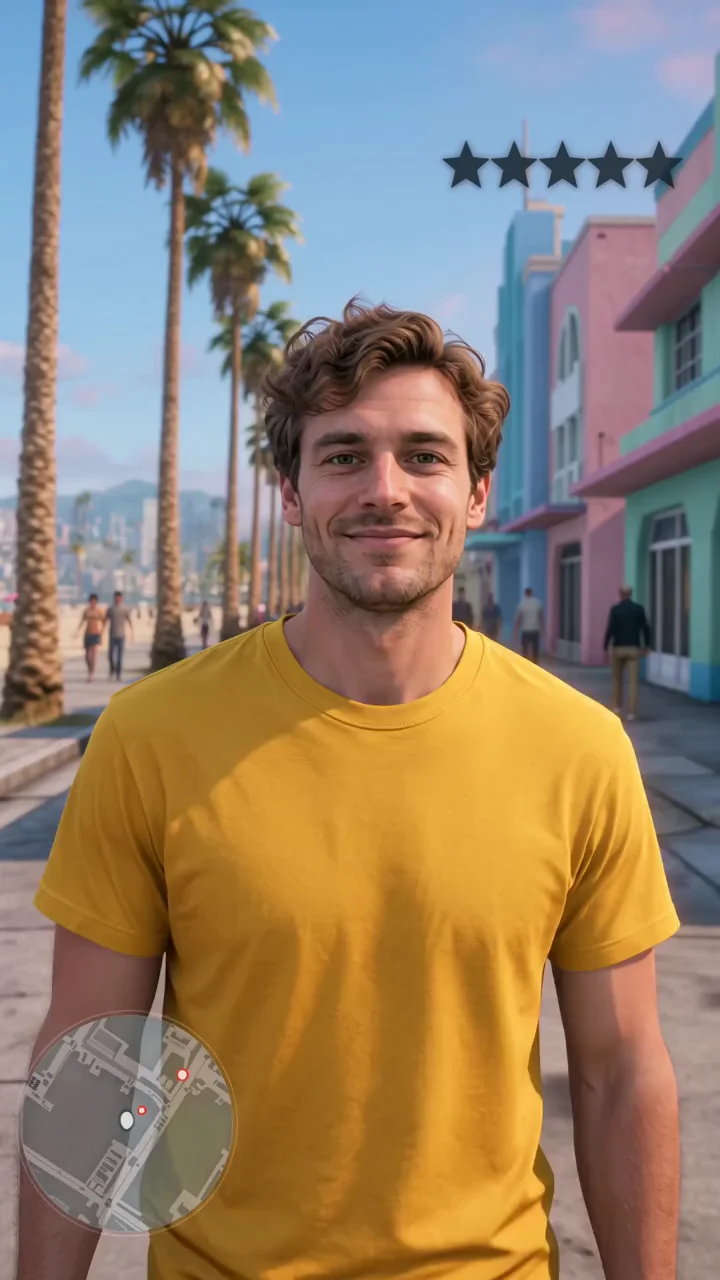
Use one clear, well-lit portrait; the template keeps the person, so a sharper photo gives a stronger GTA 6 AI video.
Recommended Best Practices
Use even, soft lighting
Light on the face from the front or slightly above; avoid deep shadows.
Face the camera
Head and shoulders in frame, both eyes visible, no extreme angles.
One subject per photo
For Lovers on the Run use two separate portraits: driver first, passenger second.
Keep it simple
Plain backgrounds and everyday clothing give the template room to style the scene.
What to Avoid
Blurry or low-resolution shots
If the face is not sharp at full size, the clip will soften too.
Group photos
Extra people in frame confuse the template; crop to one clear subject.
Harsh backlight
Backlit silhouettes hide the face the template needs to animate.
Heavy filters or screenshots
Beauty filters and photos of screens lose the detail the render needs.
What Is a GTA 6 AI Video?
A GTA 6 AI video is a 9:16 clip that puts your portrait inside a scene built to feel like a modern open-world game: rain-slicked neon streets, cinematic camera moves and native audio. You do not write a prompt — the template already holds the scene, camera work and audio.
This collection includes five scenes from the same workflow. Four styles take a single portrait; the duo scene takes two, with the driver first and the passenger second.
OnTrend AI is an independent creative tool. The videos and this page are fan-made and are not affiliated with, endorsed by, or sponsored by Rockstar Games or Take-Two Interactive. All trademarks belong to their respective owners.
GTA 6 AI Video Pricing
A 480P video costs 45 credits; 720P costs 90 and 1080P costs 180.
480P
45 credits
Native generation
720P
90 credits
Upscaled from 480P
1080P
180 credits
Upscaled from 480P
480P is the native render; 720P and 1080P are upscaled from the same job, so you do not pay for a second generation.
Credits never expire and there is no monthly subscription.
GTA 6 AI Video FAQ
Cost, refunds, credits, output format, watermark, posting and photo requirements.
How much does a GTA 6 AI video cost?
A 480P video costs 45 credits, 720P costs 90 and 1080P costs 180. The 480P render is the native generation; 720P and 1080P are upscaled from the same job. Credit packs and checkout are on the pricing page.
Is there a free GTA 6 AI video? Can I try it for free?
No, there is no free trial or free render. Every video uses credits, starting at 45 for 480P, and credit packs are listed on the pricing page.
What happens if my generation fails? Do I get a refund?
Your credits are returned if a charged render fails. If the job cannot be created, the charge is automatically reversed; if a charged job fails, it enters the refund flow and shows as pending until it completes.
Is this a monthly subscription? Do credits expire?
No, there is no monthly subscription and purchased credits never expire. You buy a one-time credit pack and spend it when you generate.
What is a GTA 6 AI video?
A GTA 6 AI video is a 7–14 second vertical clip that places your photo inside a cinematic open-world scene. The template supplies the camera work and audio, so you do not write a prompt.
Does the video come with audio?
Yes, every scene renders with its own native audio. The soundtrack is part of the template, so there is no separate audio step.
How long is the GTA 6 AI video?
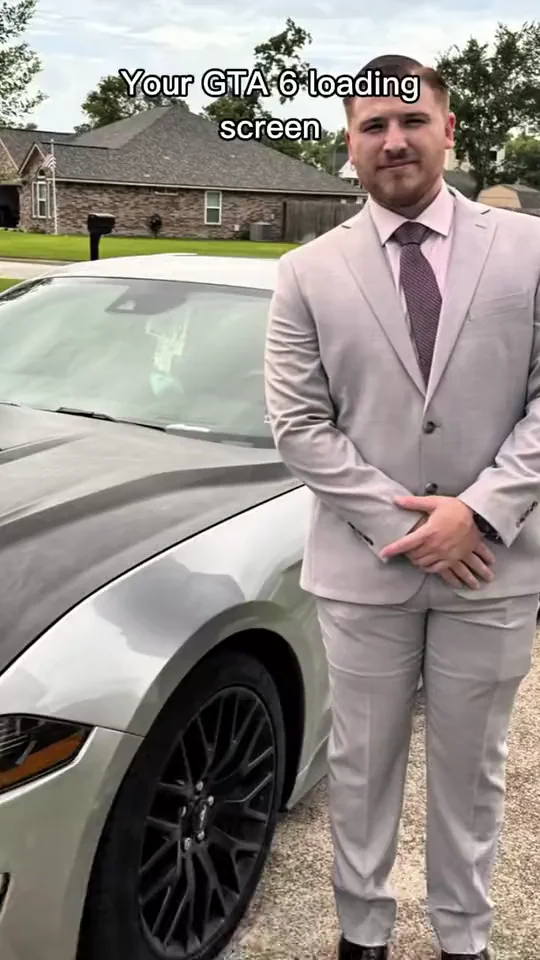
Each clip is 7 to 14 seconds, depending on the scene. Trailer and Nightclub are 11 seconds, Wanted Level is 9, Lovers on the Run is 14 and the loading-screen wipe is 7.
What file format and resolution do I receive?
You receive a 9:16 vertical MP4. The native render is 480P; 720P and 1080P are upscaled from the same job, not a second generation.
Is there a watermark on the video? Can I remove it?
OnTrend AI does not add a visible logo or overlay to your clip. The underlying model may embed an invisible provenance watermark that does not appear in the picture.
Can I post my video directly on TikTok, Instagram Reels or YouTube Shorts?
Yes, the 9:16 MP4 is ready to upload to TikTok, Instagram Reels and YouTube Shorts. Download it and publish from your phone or desktop.
Do I need a CapCut template or an AI prompt?
No, you do not need a CapCut template or a written prompt. Pick a scene, upload your photo and the template handles the camera work and audio.
Do I need video editing skills?
No, you do not need editing skills. The render is delivered as a finished 9:16 MP4 that you can post as it is.
Do I need to download an app or software?
No, the studio runs in your browser. Upload the photo, choose a scene and download the finished MP4 without installing anything.
How many photos do I need?
Four of the five scenes need one clear portrait; Lovers on the Run needs two. For Lovers, the first photo becomes the driver and the second becomes the passenger.
How long does a render take?
A render usually takes a few minutes. The job keeps running in the background if you leave the page, and finished clips stay in My Creations.
Is this an official Rockstar product?
No, this is an independent fan-made creative tool. It is not affiliated with, endorsed by or sponsored by Rockstar Games or Take-Two Interactive.
Make Your GTA 6 AI Video
Pick a style, upload one photo (two for Lovers on the Run) and render your GTA 6 AI video in minutes.
Start creating5 styles · 7–14s · 45 / 90 / 180 credits · 9:16 MP4